

Gaming doesn't have to cost a fortune. Finding the best budget gaming monitor can transform your gaming experience without emptying your wallet. Whether you're a casual gamer or someone looking to upgrade from an old display, choosing the right affordable monitor makes all the difference.
In today's gaming world, you can get excellent performance and quality without spending hundreds of dollars. The key is knowing what features matter most and which brands offer the best value for money. This guide will help you make an informed decision and find a monitor that fits both your gaming needs and budget.
Why Choose a Budget Gaming Monitor?
Many gamers believe they need expensive monitors to enjoy their favorite games. This simply isn't true. Modern budget gaming monitors offer impressive features that were once found only in premium models. You can get smooth gameplay, vibrant colors, and responsive performance at a fraction of the cost.
Budget monitors have improved dramatically over the past few years. Manufacturers now include features like high refresh rates, low input lag, and excellent color accuracy in their affordable models. This means you don't have to compromise on gaming performance just because you're watching your spending.
The best part about budget gaming monitors is that they often provide everything most gamers actually need. Unless you're a professional esports player or content creator, a well-chosen budget monitor will serve you perfectly for years to come.
Top Budget Gaming Monitor Picks
1. ASUS VA24EHE 24-inch Monitor
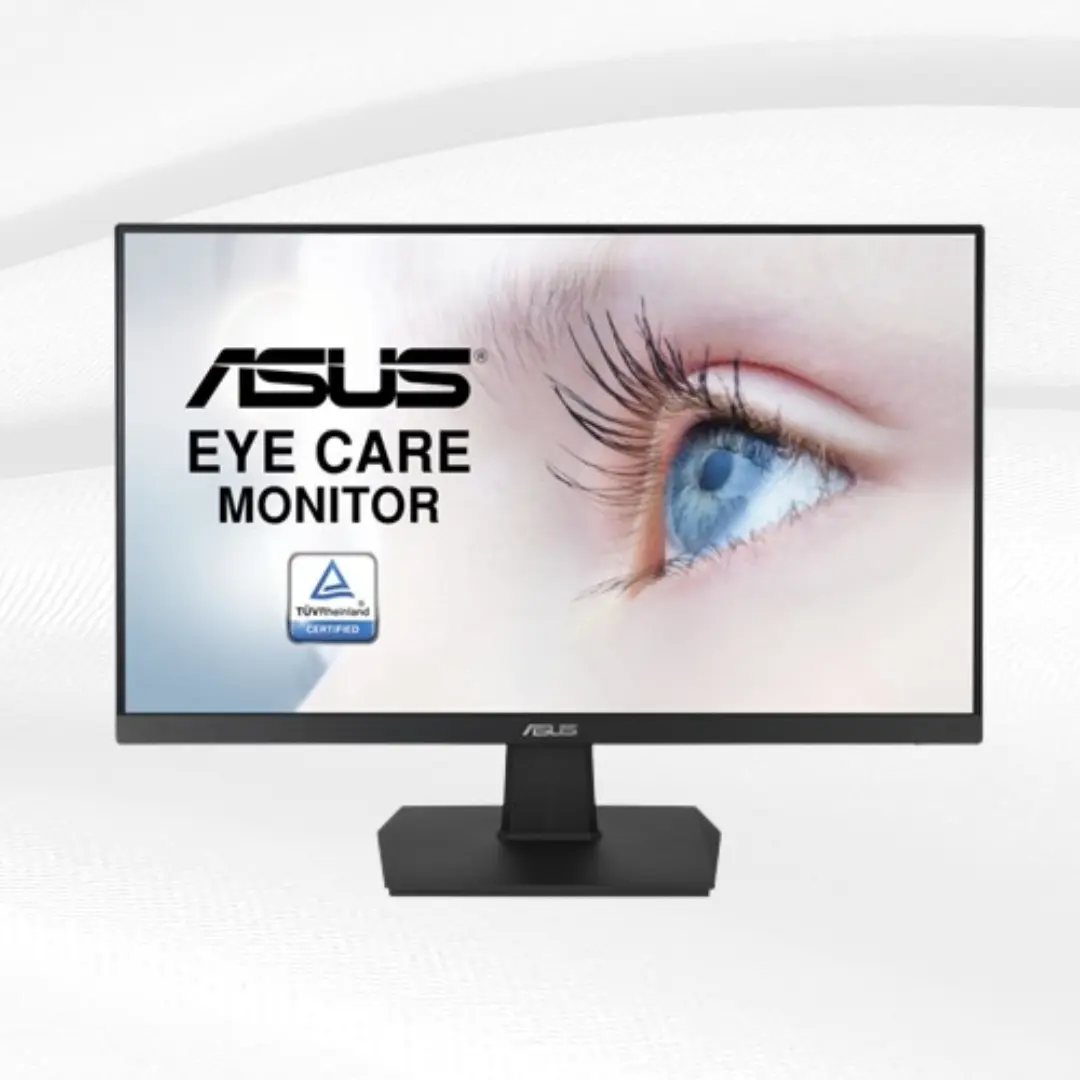
The ASUS VA24EHE stands out as one of the most reliable budget options available. This 24-inch monitor features a Full HD 1920x1080 resolution that delivers sharp, clear images for gaming and everyday use. The IPS panel provides excellent color accuracy and wide viewing angles, making it perfect for both gaming and work.
What makes this monitor special is its adaptive sync technology, which reduces screen tearing and stuttering. The 75Hz refresh rate offers smoother gameplay compared to standard 60Hz monitors, while the 1ms response time ensures minimal input lag. The monitor also includes multiple connectivity options, including HDMI and VGA ports.
The build quality is solid, and the monitor comes with ASUS's reputation for reliability. The slim bezels give it a modern look that fits well in any gaming setup. At its price point, this monitor offers exceptional value and performance.
2. AOC 24G2 24-inch Gaming Monitor
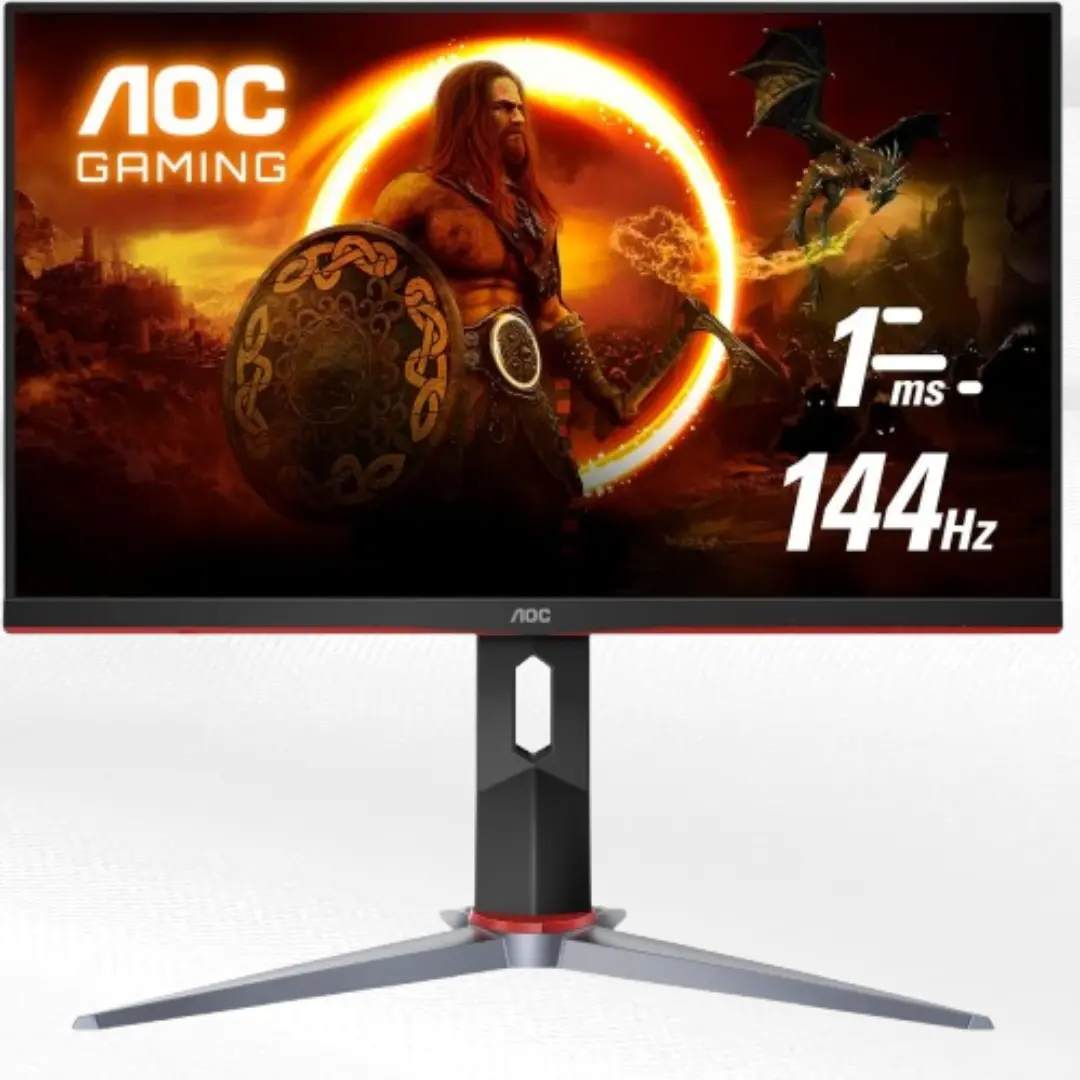
AOC has created something special with the 24G2. This monitor combines affordability with serious gaming features. The 144Hz refresh rate puts it ahead of many budget competitors, offering incredibly smooth gameplay that makes a real difference in fast-paced games.
The IPS panel delivers vibrant colors and excellent viewing angles. The 1ms response time means you won't experience any noticeable input lag, which is crucial for competitive gaming. The monitor supports AMD FreeSync technology, making it compatible with both AMD and NVIDIA graphics cards.
The design is sleek and gaming-focused without being overly flashy. The monitor includes height adjustment and tilt options, allowing you to find the perfect viewing position. For gamers who want high refresh rates without the premium price, this monitor is hard to beat.
3. ViewSonic VX2458-MHD 24-inch Monitor
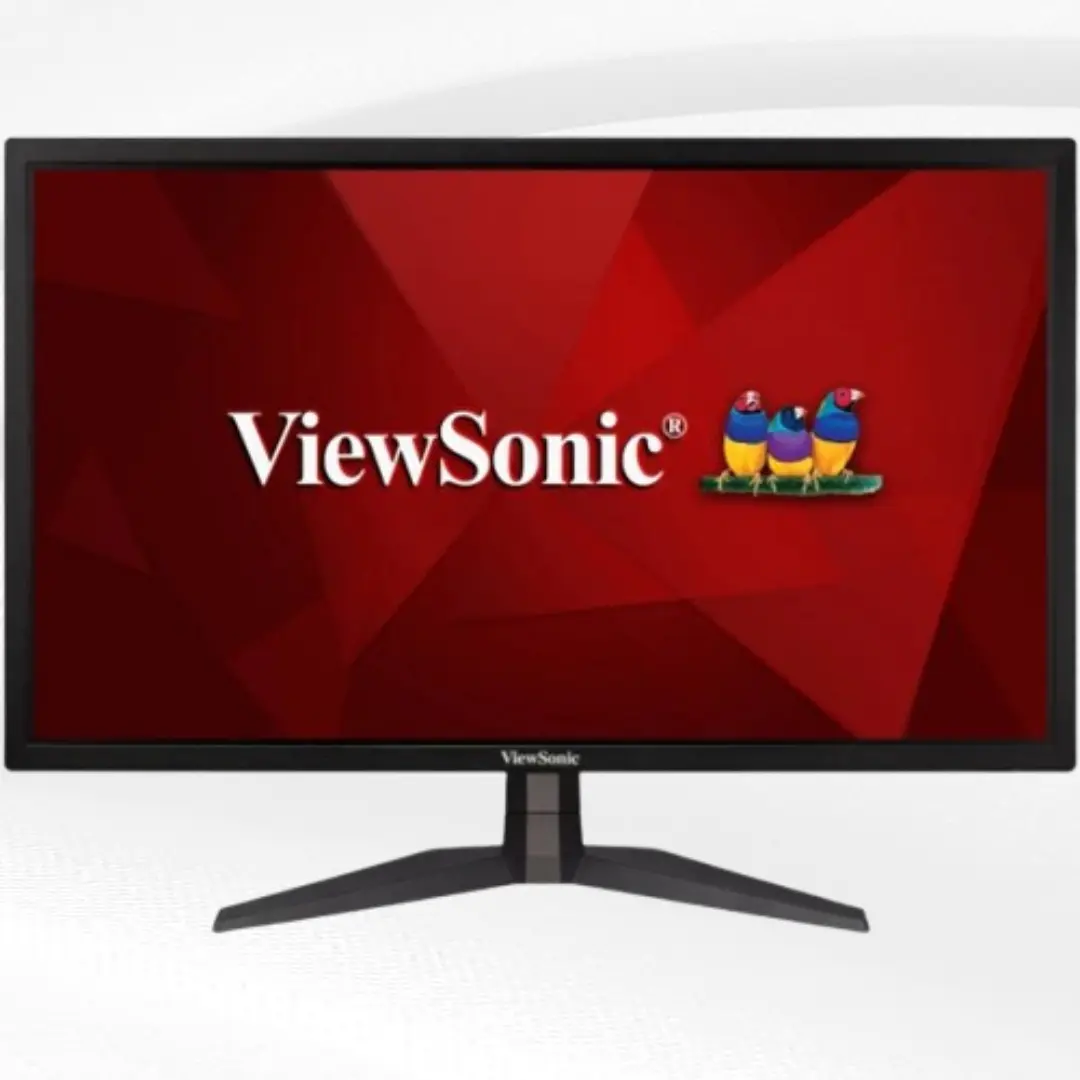
ViewSonic brings excellent value with the VX2458-MHD. This 24-inch monitor features a 144Hz refresh rate and 1ms response time, making it ideal for competitive gaming. The TN panel technology ensures the fastest possible response times, though it trades some color accuracy for speed.
The monitor supports AMD FreeSync technology and is also compatible with NVIDIA G-Sync, giving you smooth, tear-free gaming regardless of your graphics card. The Full HD resolution provides sharp images, while the anti-glare coating reduces reflections during extended gaming sessions.
The build quality is solid, and the monitor includes multiple connectivity options. The on-screen display is easy to navigate, allowing you to quickly adjust settings for different games. This monitor is perfect for gamers who prioritize performance over premium features.
4. BenQ ZOWIE XL2411K 24-inch Monitor
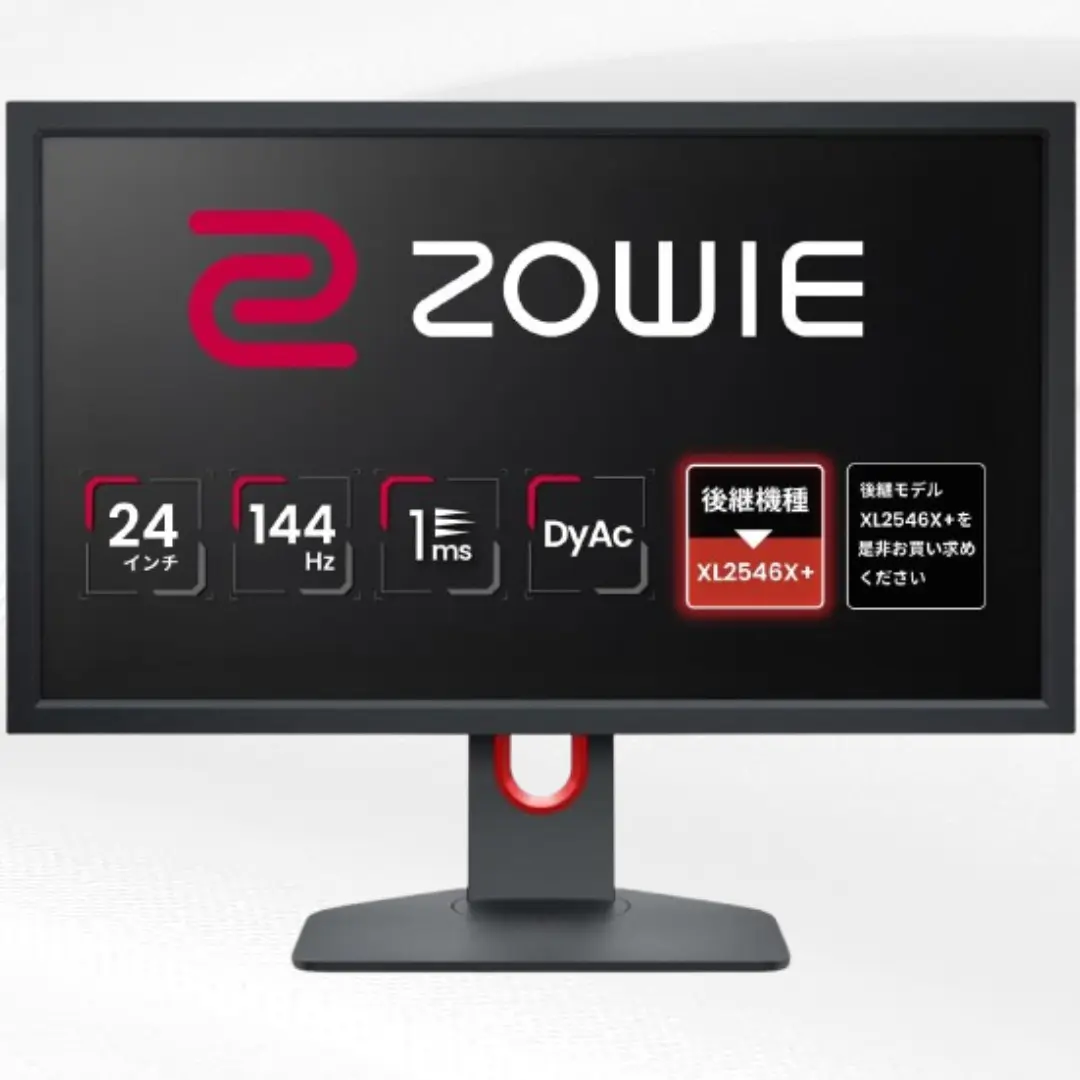
BenQ's ZOWIE series is well-known in the esports community, and the XL2411K brings that expertise to the budget market. This 24-inch monitor features a 144Hz refresh rate and 1ms response time, delivering the performance competitive gamers demand.
The TN panel provides excellent motion clarity, making it easier to track fast-moving objects in games. The monitor includes BenQ's exclusive gaming features, such as Black eQualizer technology that brightens dark scenes without overexposing bright areas. This gives you a competitive advantage in darker games.
The build quality is excellent, with a sturdy base that provides good stability. The monitor includes height and tilt adjustments, allowing you to find the perfect gaming position. While the color accuracy isn't as good as IPS panels, the gaming performance more than makes up for it.
5. LG 24MK430H-B 24-inch Monitor
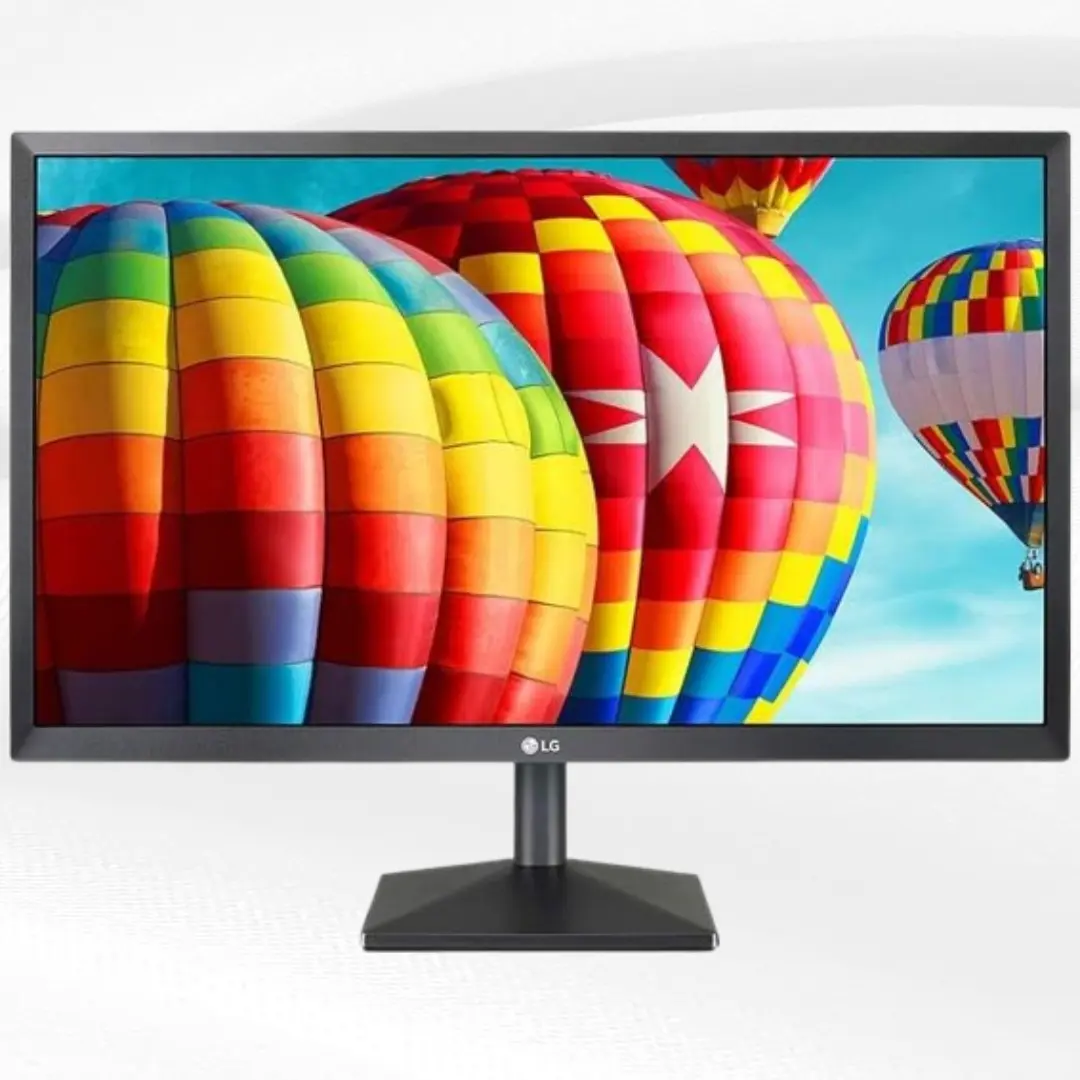
LG offers excellent value with the 24MK430H-B. This 24-inch IPS monitor provides beautiful colors and wide viewing angles at an affordable price. The 75Hz refresh rate offers smoother gameplay than standard monitors, while the AMD FreeSync technology reduces screen tearing.
The monitor features LG's OnScreen Control software, which makes it easy to adjust settings and manage multiple windows. The slim bezels give it a modern appearance that looks great in any setup. The built-in speakers are a nice bonus, though dedicated speakers or headphones will provide better audio quality.
The color accuracy is impressive for a budget monitor, making it suitable for both gaming and content creation. The monitor includes multiple connectivity options and has a reliable build quality that LG is known for.
Key Features to Look For
Display Size and Resolution
The most common size for budget gaming monitors is 24 inches, which provides the perfect balance of screen real estate and affordability. This size is ideal for most gaming setups and doesn't require an extremely powerful graphics card to run games at high settings.
Full HD 1920x1080 resolution is the sweet spot for budget gaming monitors. It provides sharp, clear images while being easy on your graphics card. Higher resolutions like 1440p are nice to have, but they require more powerful hardware and significantly increase the monitor's cost.
Some gamers prefer larger screens, but remember that bigger isn't always better for gaming. Larger monitors can make it harder to see everything at once in competitive games, and they typically cost more money.
Refresh Rate and Response Time
Refresh rate is one of the most important features for gaming. While 60Hz was once standard, modern budget monitors often offer 75Hz or even 144Hz refresh rates. Higher refresh rates make gameplay smoother and more responsive, which is especially important in fast-paced games.
Response time measures how quickly pixels can change colors. For gaming, you want the lowest response time possible, typically 1ms to 5ms. Lower response times reduce motion blur and ghosting, making fast-moving objects appear clearer.
Don't get too caught up in extremely high refresh rates if you're on a budget. A good 75Hz monitor will feel much smoother than 60Hz, and 144Hz is more than enough for most gamers.
Panel Technology
There are three main panel types to consider: TN, IPS, and VA. Each has its own strengths and weaknesses.
TN panels offer the fastest response times and highest refresh rates at the lowest prices. However, they typically have weaker color accuracy and narrower viewing angles. These panels are perfect for competitive gamers who prioritize performance over image quality.
IPS panels provide the best color accuracy and widest viewing angles. They're more expensive than TN panels but offer better overall image quality. Modern IPS panels have improved significantly in terms of response time and refresh rate.
VA panels sit between TN and IPS panels in terms of performance and cost. They offer good color accuracy and decent response times, making them a solid middle-ground choice.
Adaptive Sync Technology
Adaptive sync technology eliminates screen tearing and stuttering by synchronizing your monitor's refresh rate with your graphics card's output. AMD FreeSync is the most common technology in budget monitors, and it works with both AMD and NVIDIA graphics cards.
NVIDIA G-Sync Compatible certification means the monitor has been tested and approved by NVIDIA to work well with their graphics cards. Many FreeSync monitors are also G-Sync Compatible, giving you flexibility regardless of your graphics card brand.
This technology makes a noticeable difference in gaming smoothness, especially when your frame rate fluctuates. It's definitely worth looking for in any gaming monitor.
Connectivity Options
Make sure your chosen monitor has the right connections for your setup. HDMI is the most common connection and works with most modern graphics cards and gaming consoles. DisplayPort typically offers better bandwidth for higher refresh rates and resolutions.
Some budget monitors still include older connections like VGA or DVI. While these work, they may limit your monitor's performance capabilities. HDMI and DisplayPort are your best options for modern gaming.
Consider how many devices you plan to connect. Multiple HDMI ports are useful if you want to connect both your PC and gaming console to the same monitor.
Setting Up Your Budget Gaming Monitor
Getting the most out of your new monitor requires proper setup and calibration. Start by connecting your monitor using the best available cable. HDMI or DisplayPort will give you the best performance and image quality.
Once connected, access your monitor's on-screen display menu to adjust basic settings. Set the refresh rate to its maximum supported value in both your monitor settings and graphics card control panel. Enable adaptive sync technology if your monitor supports it.
Adjust brightness and contrast to comfortable levels for your room lighting. Most monitors are set too bright out of the box, which can cause eye strain during long gaming sessions. A brightness level around 20-30% is often more comfortable.
Consider the monitor's position in your setup. The top of the screen should be at or slightly below eye level, and the monitor should be about arm's length away. This reduces neck strain and provides the most comfortable viewing experience.
Gaming Performance Optimization
To get the best gaming performance from your budget monitor, adjust your game settings appropriately. With a Full HD monitor, you can often run games at high or ultra settings without needing an extremely powerful graphics card.
If you have a high refresh rate monitor, make sure to disable V-Sync in your games and enable adaptive sync instead. V-Sync can introduce input lag, while adaptive sync provides smooth gameplay without the drawbacks.
Consider adjusting your graphics settings to maintain frame rates above your monitor's refresh rate. It's better to have consistent high frame rates than occasional peaks with frequent drops.
Many monitors include gaming-specific features like low input lag modes or enhanced color profiles for different game types. Experiment with these features to find what works best for your favorite games.
Maintenance and Care
Taking care of your best budget gaming monitor will help it last longer and maintain its performance. Clean the screen regularly with a microfiber cloth and appropriate cleaning solution. Avoid using harsh chemicals or paper towels that can damage the screen.
Keep your monitor in a well-ventilated area to prevent overheating. Dust the back and sides occasionally to maintain proper airflow. Most modern monitors run cool, but proper ventilation is still important.
Update your monitor's firmware if the manufacturer releases updates. These updates can improve performance, add features, or fix compatibility issues.
Be gentle with the monitor's adjustments and connections. Forcing stuck adjustments or roughly handling cables can cause damage that isn't covered under warranty.
Future-Proofing Your Purchase
While you're buying a budget monitor, think about your future needs. Consider how long you plan to use the monitor and what your gaming setup might look like in a few years.
A monitor with a 144Hz refresh rate will serve you well even if you upgrade your graphics card later. Higher refresh rates remain smooth and responsive regardless of your hardware improvements.
Choose a monitor from a reputable brand with good warranty support. This ensures you'll have help if anything goes wrong and parts will be available if repairs are needed.
Consider the monitor's connectivity options for future devices. HDMI 2.0 or higher ensures compatibility with future gaming consoles and graphics cards.
Common Mistakes to Avoid
Don't focus only on size when choosing a budget gaming monitor. A smaller monitor with better features often provides a superior gaming experience than a larger monitor with poor performance.
Avoid monitors with extremely high response time claims that seem too good to be true. Some manufacturers use misleading measurements that don't reflect real-world gaming performance.
Don't ignore user reviews when researching monitors. Real-world experiences from other gamers provide valuable insights that specifications alone can't give you.
Resist the urge to buy the absolute cheapest option available. Spending slightly more often gets you significantly better build quality and performance that justifies the extra cost.
FAQs
What size monitor is best for budget gaming?
24 inches is the ideal size for budget gaming monitors. It provides excellent gaming performance without requiring powerful graphics cards, fits well on most desks, and offers the best value for money. Larger sizes increase costs significantly while 24 inches gives you everything needed for great gaming.
Do I need 144Hz for casual gaming?
While 144Hz isn't absolutely necessary for casual gaming, it makes a noticeable difference in smoothness and responsiveness. Many budget monitors now offer 75Hz or 144Hz at reasonable prices, making it worth considering even for casual use. The improvement is especially noticeable in fast-paced games.
Is IPS or TN better for budget gaming?
Both have advantages depending on your priorities. TN panels offer faster response times and higher refresh rates at lower prices, making them ideal for competitive gaming. IPS panels provide better colors and viewing angles but cost slightly more. Choose TN for performance, IPS for overall image quality.
Can budget monitors work with gaming consoles?
Yes, most budget gaming monitors work excellently with gaming consoles like PlayStation and Xbox. Look for monitors with HDMI inputs and support for the resolution your console outputs. Many budget monitors support the refresh rates and features that enhance console gaming experiences.
How much should I spend on a budget gaming monitor?
A good budget gaming monitor typically costs between $100-200. This price range gets you Full HD resolution, decent refresh rates, and reliable performance. Spending less often means compromising on important features, while spending more moves you into mid-range territory.
Do budget monitors support HDR?
Some budget monitors claim HDR support, but true HDR requires high brightness and contrast that budget monitors typically can't provide. Basic HDR support might be present, but don't expect the dramatic improvements you'd see from premium HDR displays.
What refresh rate do I actually need?
For most gamers, 75Hz provides a noticeable improvement over 60Hz standard monitors. 144Hz is excellent for competitive gaming and fast-paced games. Higher refresh rates like 240Hz are unnecessary unless you're a professional esports player and mainly benefit the most competitive scenarios.
Are curved budget monitors worth it?
Curved monitors at budget prices often compromise other important features to include the curve. For most gaming setups, a flat monitor provides better value by focusing the budget on performance features like refresh rate and response time rather than aesthetic curves.
Conclusion
Finding the best budget gaming monitor doesn't mean settling for poor performance. Today's affordable monitors offer impressive features that provide excellent gaming experiences without breaking the bank. The key is understanding which features matter most for your gaming style and choosing a monitor that balances performance with price.
Whether you prioritize high refresh rates for competitive gaming or prefer better colors for immersive single-player experiences, there's a budget monitor that fits your needs. The monitors recommended in this guide represent the best value currently available, offering reliable performance and solid build quality.
Remember that a good monitor is an investment that will serve you for years. Taking time to choose the right budget gaming monitor ensures you'll enjoy smooth, responsive gaming while keeping your wallet happy. Focus on the features that matter most to you, buy from reputable brands, and you'll find that budget gaming monitors can deliver outstanding performance that enhances every gaming session.
Your perfect budget gaming monitor is out there waiting. Use this guide to make an informed choice, and you'll soon be enjoying better gaming performance without the premium price tag.