

My buddy hit me up last week saying his tech newsletter is basically dead.
He runs a gadget review site, posts roundups, covers new drops. Good content. But his open rate was sitting at like 7 percent and he had no idea why.
I told him bro, I went through the exact same thing. So we sat down and I walked him through everything I figured out over the past year of running my own list.
Turns out most gadget site owners are making the same few mistakes. And none of them are about the content itself.
The Real Reason Gadget Emails Don't Get Opened
Most of us treat email like a copy paste of our blog posts.
We write a review, grab the first two lines, throw in a button, and hit send. That's not email marketing. That's just forwarding yourself.
The people actually getting results are thinking about three things. When they send, what their subject line looks like to a spam filter, and whether the email even reaches the inbox at all.
That last one is the thing most gadget creators completely skip over.
And here's the trap we fall into without realizing it. When you write about gadget deals, you naturally use words like "free," "limited time," "best price," "act fast." Those words feel normal in product writing.
But spam filters are trained to catch exactly those kinds of phrases. So your totally reasonable email about a good headphone deal gets flagged before a single person ever sees it.
How to Stop Your Product Emails From Landing in Spam
This is the section I needed when I first started building my list.
I was doing everything right on paper. Sending consistently, writing decent content, growing my subscribers. But open rates told a different story. Big chunk of my emails weren't even making it to the inbox.
The fix that actually moved the needle was running an AI spam check before every single send.
It flags things I would never catch myself. Too many exclamation points. Certain subject line phrases Gmail filters are trained to catch. The wrong image to text ratio inside the email body. Stuff that looks completely normal to a human but looks like a red flag to a spam filter.
And it doesn't just point out the problem. It rewrites the flagged parts for you in one click and shows you a clean version ready to send.
The second thing that helped was warming up my sending domain properly. If your domain is newer or you haven't sent emails in a while, email providers don't trust you yet. Sending a big blast right away is almost guaranteed to land in spam.
AI warmup tools handle this automatically. They send small batches, monitor your sender score, and slowly scale up your volume over time. I set it and it runs in the background. I don't think about it at all.
Third thing is send time. I used to send every email Tuesday morning at 9am because some blog told me that was optimal. Turns out that's generic advice that doesn't fit everyone on your list.
Some of my readers are up at midnight checking their phone. Some are in different time zones. Per subscriber send time optimization figures out when each person actually opens emails and delivers at that moment. My open rates went up noticeably within a few weeks of switching.
Where TrueEmailer Comes In
After testing a bunch of tools separately, I stopped juggling three different platforms.
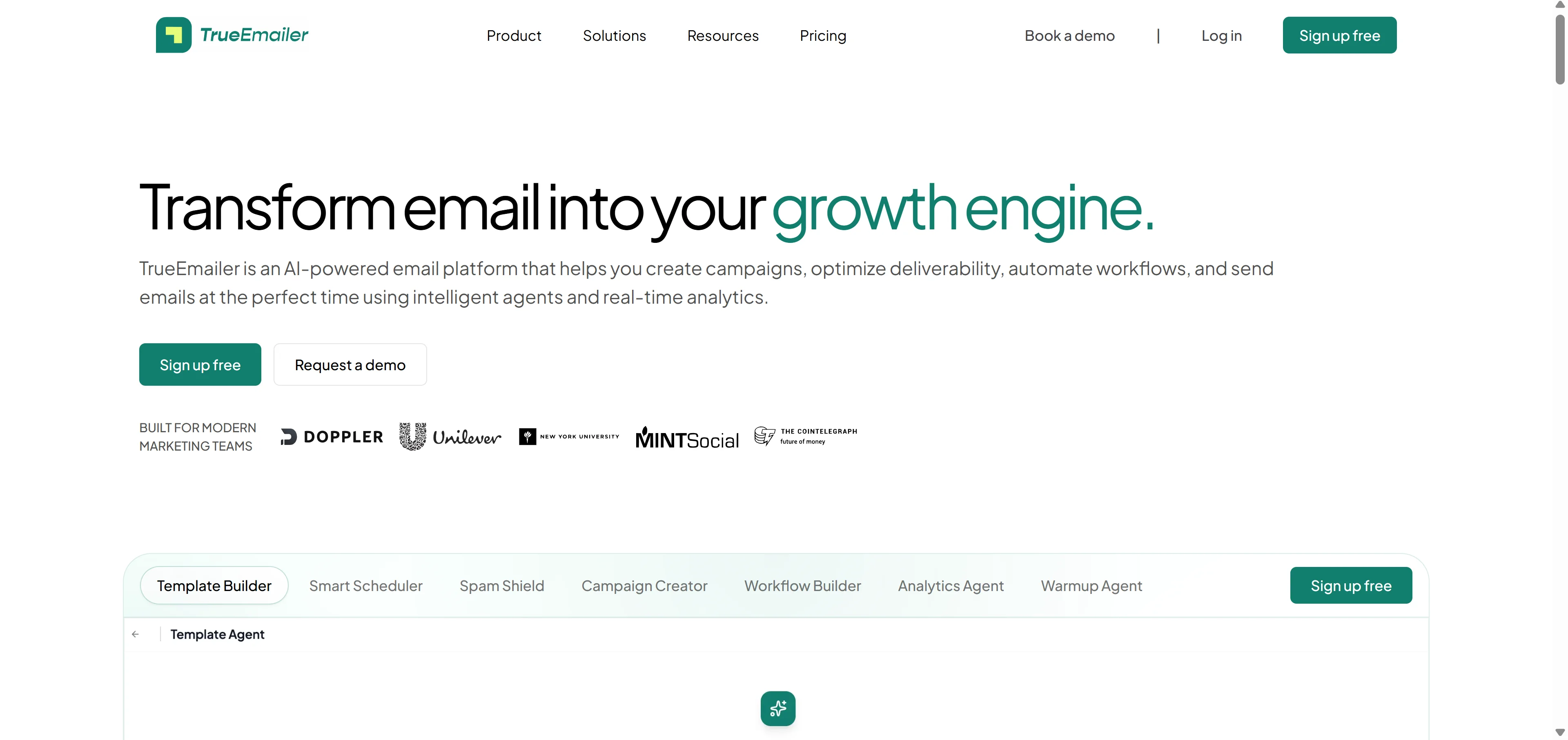
TrueEmailer has the spam check, the AI warmup, and the smart scheduling all in one place. No switching tabs, no connecting things together. It just works as one system.
The spam shield scans your subject line, body copy, and headers before you send. It scores the risk level and highlights exactly what to fix. If you want a cleaner version, the AI rewrites it on the spot.
The warmup agent runs automatically in the background. It monitors your domain reputation, adjusts your sending volume, and keeps your sender score healthy without you touching anything.
And the smart scheduler learns each subscriber's personal open patterns. Not a generic best time for everyone. Each person gets the email when they're most likely to be in their inbox.
For a one person gadget site like mine, having all of this running without me managing it manually is what lets me actually focus on writing content instead of babysitting a marketing funnel.
 Mistakes I Made Early On That Cost Me
I was obsessed with growing my list size in the beginning.
More subscribers equals more success, right? Not really. A big list with low open rates actively hurts your sender reputation. Which makes your deliverability worse. Which drops your open rates even more. It's a bad cycle that sneaks up on you.
I'd rather have 600 people who actually click than 5000 who never open anything.
The other mistake was sending the same email to everyone. My gadget site covers phones, audio, laptops, and smart home stuff. The person who signed up for my earbuds content does not necessarily want emails about gaming monitors.
Once I started tagging subscribers based on what they clicked and sending more targeted emails, engagement went up across the board. It takes a bit of setup but the results are obvious pretty fast.
Third mistake was ignoring my analytics until something went wrong. Now I check open rates, click rates, and deliverability signals consistently. Catching a dip early means you fix a small problem instead of a big one.
What a Healthy Gadget Email List Actually Looks Like
Good open rates for a niche gadget list sit somewhere between 25 and 40 percent.
If you're below 20 percent, something is off. Either your emails are landing in spam, your subject lines aren't connecting, or you're sending to people who don't actually care about your specific niche anymore.
A healthy list also means your unsubscribe rate stays low. Under 0.5 percent per send is where you want to be. Higher than that is a signal that something in your content or frequency needs adjusting.
Click rates on a gadget list should be somewhere around 2 to 5 percent depending on what you're sending. Product roundups and deal emails tend to get higher clicks. Pure opinion pieces get lower. Both are fine as long as you know what to expect.
The goal isn't just opens. It's building a list that actually trusts you enough to click through and read what you wrote. That takes consistency, relevance, and making sure your emails actually show up in the inbox in the first place.
Frequently Asked Questions
Do I need a big list to see results from email?
No. Even 300 to 500 engaged subscribers can drive real traffic if your open rates are healthy and your content is relevant to them.
How often should a gadget site send emails?
Once or twice a week is solid. Enough to stay top of mind without feeling like noise in someone's inbox.
Why do my emails go to spam even when the content is good?
Good content isn't enough. Spam filters check your subject line, domain reputation, and email structure. Run a spam check before every send.
What makes a gadget email subject line actually work?
Write it like you'd text a friend about something cool you found. Not like an ad. Human language wins over promotional language every time.
Is AI email writing going to sound robotic?
Only if you don't edit it. Use AI as a first draft then put your own voice into it. Way faster than staring at a blank editor.
What is domain warmup and do I actually need it?
If your domain is newer or you're scaling up your send volume, yes. Skipping warmup is one of the fastest ways to permanently damage your deliverability.
Can I do all this without spending a lot?
Yes. Most AI email platforms have free tiers that cover everything you need when you're starting out with a smaller list.