

The Lenovo 100e Chromebook has gained attention as an affordable laptop option for students, families, and anyone looking for basic computing needs. In this detailed Lenovo 100e Chromebook review, we'll explore everything you need to know about this budget-friendly device to help you make an informed decision.
Chrome OS laptops have become increasingly popular due to their simplicity, security, and affordable pricing. The Lenovo 100e sits in the entry-level category, promising essential functionality without breaking the bank. But does it deliver enough value to justify your purchase? Let's find out.
The Lenovo 100e Chromebook review
The Lenovo 100e Chromebook is an entry-level laptop designed primarily for educational use and basic computing tasks. This 11.6-inch device runs on Chrome OS, Google's lightweight operating system that focuses on web-based applications and cloud storage.
Lenovo designed this Chromebook with durability in mind, featuring a rugged build that can withstand everyday wear and tear. The device targets students, first-time laptop users, and anyone who needs a simple, reliable computer for basic tasks like web browsing, document editing, and video streaming.
The 100e series comes in different configurations, with variations in processing power, memory, and storage options. Despite being budget-oriented, Lenovo has included several practical features that make this Chromebook a competitive option in its price range.
Key Features of the Lenovo 100e Chromebook
Display and Design
The Lenovo 100e features an 11.6-inch HD display with a resolution of 1366 x 768 pixels. While not the sharpest screen available, it provides adequate clarity for basic tasks like reading documents, browsing websites, and watching videos. The anti-glare coating helps reduce reflections, making it usable in various lighting conditions.
The display produces decent colors for an entry-level device, though don't expect vibrant or highly accurate color reproduction. The brightness levels are sufficient for indoor use, but you might struggle with visibility in direct sunlight.
Build quality impresses for a budget laptop. The plastic construction feels solid and includes reinforced corners and edges to protect against drops and bumps. The keyboard deck resists flex, and the overall design appears sturdy enough for daily student use.
Performance and Processing Power
The Lenovo 100e Chromebook typically comes equipped with an AMD A4 processor or Intel Celeron chip, depending on the specific model. These processors provide adequate performance for Chrome OS and basic computing tasks, though they're not designed for demanding applications.
With 4GB of RAM in most configurations, the device handles multiple browser tabs reasonably well, though heavy multitasking can cause slowdowns. The eMMC storage ranges from 32GB to 64GB, which should suffice for basic file storage and downloaded applications.
Chrome OS's lightweight nature helps the modest hardware perform better than expected. Boot times are quick, usually under 15 seconds, and the system feels responsive for everyday tasks like email, word processing, and web browsing.
Keyboard and Trackpad
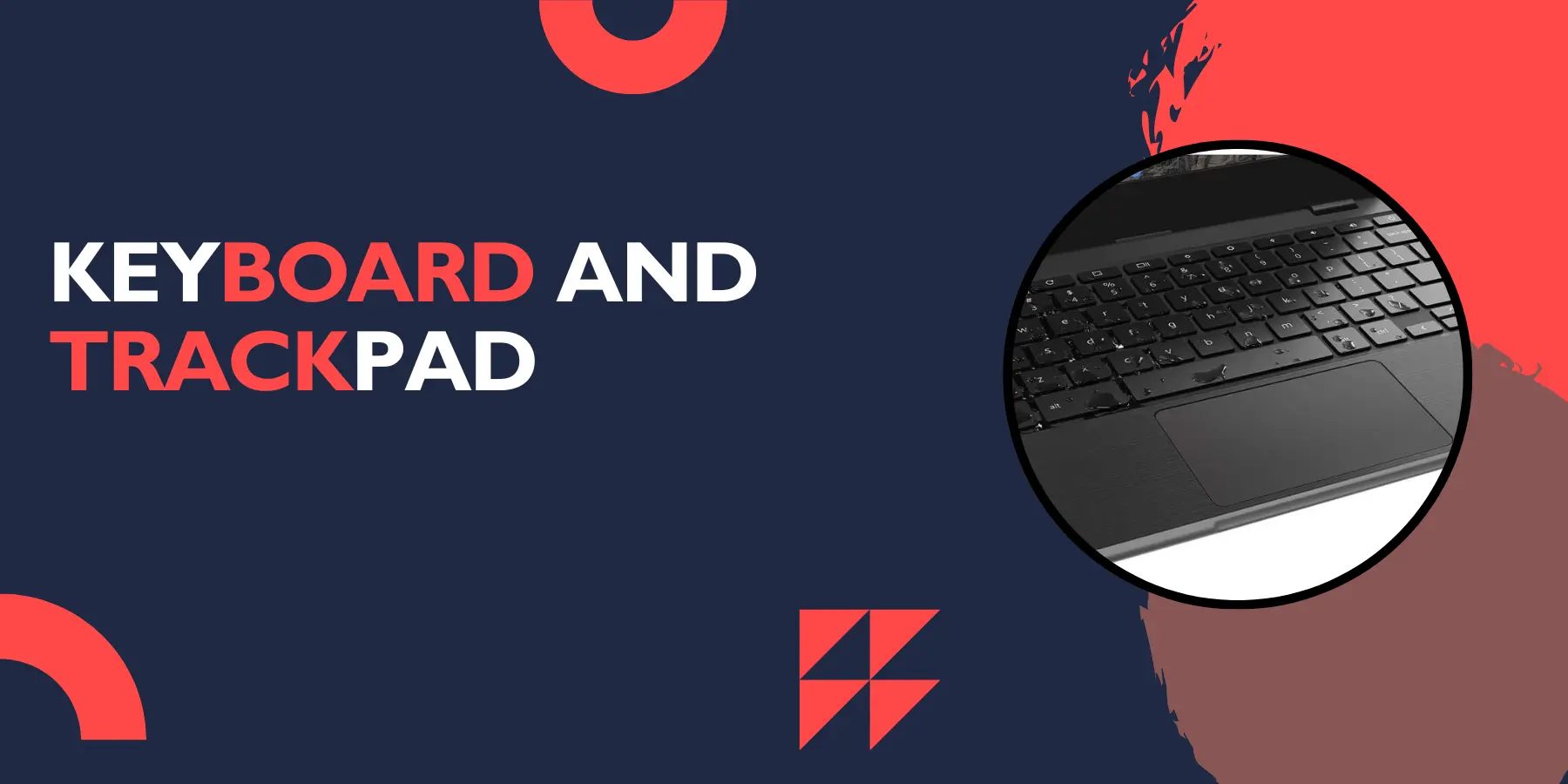
The keyboard offers a comfortable typing experience with well-spaced keys and decent travel distance. The layout follows Chrome OS standards with dedicated function keys for common tasks like adjusting brightness, volume, and switching between applications.
Key feedback feels solid, though some users might find the keys slightly mushy compared to premium laptops. The keyboard includes a spill-resistant design, adding to the device's durability credentials.
The trackpad performs adequately for basic navigation and gestures. It supports multi-touch gestures common to Chrome OS, including two-finger scrolling and pinch-to-zoom. While not as smooth as premium trackpads, it gets the job done for typical use.
Connectivity and Ports
Port selection covers essential needs with two USB 3.1 ports, one USB-C port, an HDMI output, a headphone jack, and a microSD card slot. This variety allows you to connect external displays, storage devices, and peripherals without major limitations.
The USB-C port supports charging and data transfer, providing flexibility for future accessories. WiFi connectivity performs well with support for modern wireless standards, ensuring stable internet connections in most environments.
Bluetooth support enables wireless connections to headphones, mice, and other accessories. The wireless performance proves reliable for typical home and school network environments.
Battery Life
Battery performance stands out as one of the 100e's stronger points. Most users can expect 8-10 hours of typical use, including web browsing, document editing, and video streaming. This longevity makes it suitable for full school days or work sessions without needing to find a power outlet.
Charging speed is reasonable, taking approximately 2-3 hours to reach full capacity. The USB-C charging port adds convenience, as you can potentially use compatible phone chargers in emergencies.
Power management in Chrome OS helps extend battery life by optimizing background processes and putting unused applications to sleep automatically.
Audio and Camera Quality
The built-in speakers provide adequate volume for personal use, though audio quality remains basic. The sound lacks depth and bass, making external speakers or headphones preferable for music or movie watching.
The webcam captures acceptable video for video calls and online classes. Image quality suffers in low-light conditions, but performs reasonably well with good lighting. The camera includes basic privacy features and works seamlessly with Google Meet and other video conferencing platforms.
Audio input through the built-in microphone works for voice calls and recordings, though clarity could be better. For important video conferences or content creation, an external microphone would improve audio quality significantly.
Pros and Cons
Advantages
Affordable pricing makes this Chromebook accessible to budget-conscious buyers, students, and families looking for basic computing solutions.
Excellent battery life ensures all-day use without frequent charging, perfect for students who need reliable performance throughout school days.
Durable construction withstands typical wear and tear, drops, and spills better than many budget laptops, making it ideal for younger users.
Quick startup times get you working faster thanks to Chrome OS's efficient boot process and lightweight system requirements.
Automatic updates keep the system secure and current without user intervention, reducing maintenance needs and security concerns.
Google integration provides seamless access to Google Workspace applications, cloud storage, and educational tools.
Disadvantages
Limited processing power restricts the device to basic tasks and prevents running demanding applications or heavy multitasking scenarios.
Small storage capacity requires heavy reliance on cloud storage, which can be limiting for users who prefer local file storage.
Basic display quality offers adequate but not impressive visual performance, with limited brightness and color accuracy.
Plastic construction feels less premium compared to higher-end laptops, though this is expected at this price point.
Limited software compatibility restricts you to Chrome OS applications and web-based tools, eliminating traditional desktop software options.
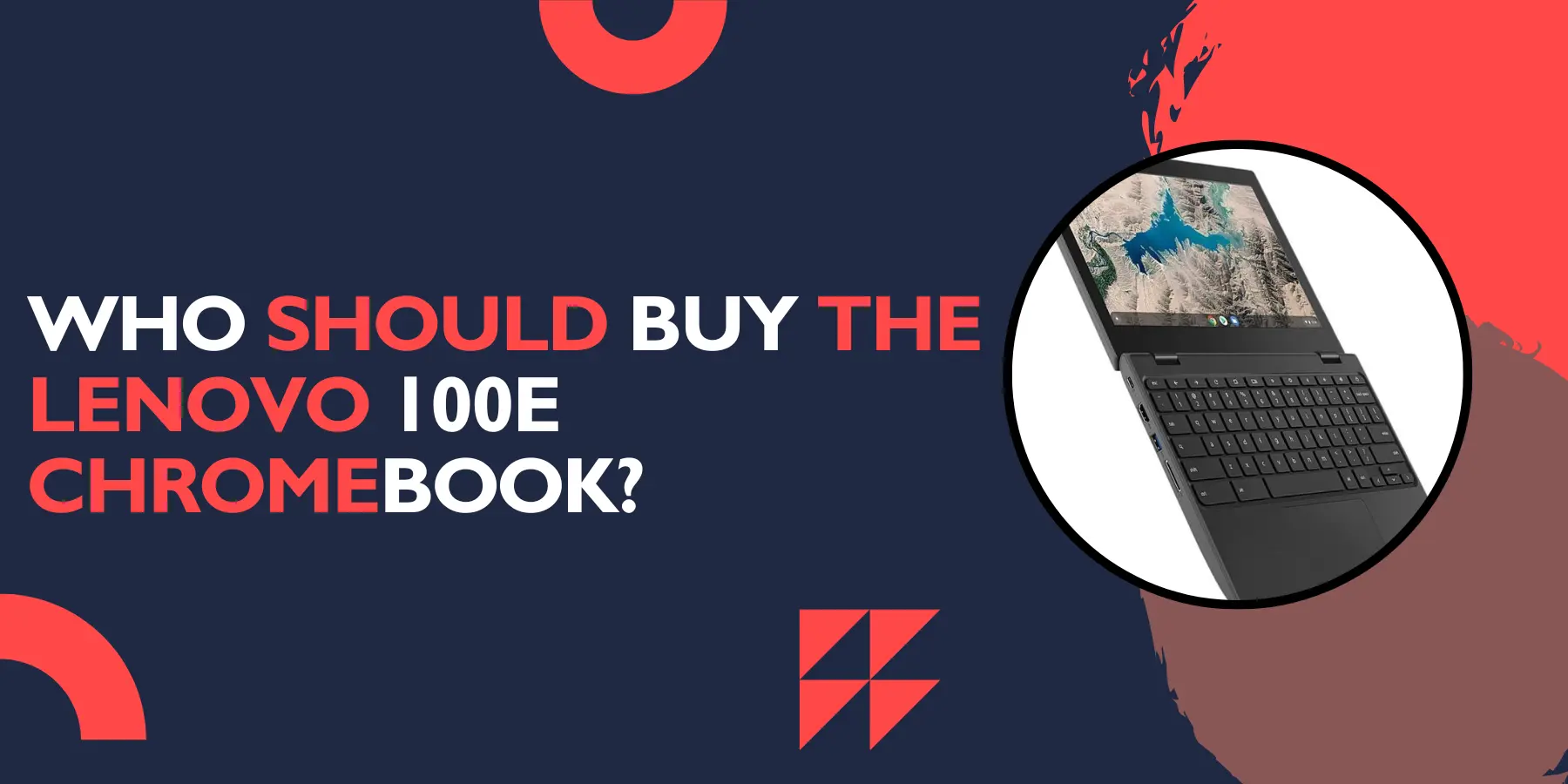
Who Should Buy the Lenovo 100e Chromebook?
Ideal Users
Students represent the primary target market, especially those in elementary through high school who need basic computing for research, assignments, and online learning platforms.
First-time laptop buyers will appreciate the simple interface, automatic updates, and straightforward functionality that Chrome OS provides.
Budget-conscious consumers looking for essential computing features without premium pricing will find good value in the 100e's feature set.
Light users who primarily browse the web, check email, stream videos, and use basic productivity applications will find adequate performance.
Who Should Look Elsewhere
Power users requiring demanding applications, video editing, or gaming capabilities need more powerful hardware and different operating systems.
Business professionals who depend on specific desktop software or advanced productivity features might find Chrome OS limiting.
Content creators need better display quality, more processing power, and advanced software compatibility than this budget device provides.
Comparison with Alternatives
When compared to other budget Chromebooks, the Lenovo 100e competes primarily on durability and battery life. Similar devices from Acer and ASUS offer comparable performance but might lack the rugged construction that makes the 100e suitable for student use.
Against Windows laptops in the same price range, the 100e offers better battery life and faster startup times but sacrifices software compatibility and processing power. The choice depends on your specific software needs and computing requirements.
iPad or Android tablet alternatives might offer better displays and more app options but lack the full keyboard experience and desktop-like functionality that some users prefer for productivity tasks.
Tips for Getting the Most from Your Lenovo 100e
Embrace cloud storage by using Google Drive, Google Photos, and other cloud services to overcome the limited local storage capacity.
Optimize your workflow around web-based applications and Chrome extensions to maximize the device's capabilities within its limitations.
Keep tabs manageable since the modest RAM can struggle with too many open browser tabs simultaneously.
Use keyboard shortcuts to navigate Chrome OS more efficiently and improve your overall productivity experience.
Consider external accessories like a wireless mouse, external speakers, or USB hub to enhance functionality when needed.
Frequently Asked Questions
Can I install Windows on the Lenovo 100e Chromebook?
No, the Lenovo 100e Chromebook is designed specifically for Chrome OS and doesn't support Windows installation. The hardware and firmware are optimized for Chrome OS, and attempting to install other operating systems could void your warranty and cause functionality issues.
How much storage do I actually get to use?
While the device comes with 32GB or 64GB of storage, the operating system and pre-installed applications use some space. Typically, you'll have about 20-50GB available for your files, depending on your model. However, Chrome OS encourages cloud storage use, so this limitation is less problematic than it might seem.
Can I run Android apps on this Chromebook?
Yes, the Lenovo 100e supports Android applications through the Google Play Store. However, performance may vary depending on the specific app requirements, and some Android apps may not be optimized for laptop use with keyboard and trackpad input.
Is this Chromebook good for online classes?
Absolutely. The Lenovo 100e excels for online education with its reliable webcam, adequate microphone, long battery life, and seamless integration with Google Classroom and other educational platforms. The durable build also makes it suitable for student use.
How does the warranty work?
Lenovo typically provides a one-year limited warranty covering manufacturing defects and hardware failures. Extended warranty options may be available for purchase. Always check with your retailer or Lenovo directly for specific warranty terms and coverage details.
Can I connect an external monitor?
Yes, the HDMI port allows you to connect external displays for presentations or extended desktop space. The USB-C port may also support display output depending on your monitor and cable setup.
What happens if I break the screen?
Screen replacement is possible but may cost a significant portion of the device's original price. Given the budget nature of this Chromebook, severe damage might make replacement more economical than repair. Consider a protective case to prevent damage.
How secure is Chrome OS?
Chrome OS includes automatic security updates, sandboxed applications, and built-in virus protection. It's generally considered more secure than traditional operating systems due to its cloud-based nature and Google's security infrastructure.
Can I use Microsoft Office?
You can use Microsoft Office through the web-based Office 365 applications or download the Android versions of Office apps. However, functionality may be limited compared to full desktop versions of Office software.
Is the keyboard backlit?
No, the Lenovo 100e Chromebook does not include keyboard backlighting. This is a common omission in budget laptops to keep costs down.
Conclusion
The Lenovo 100e Chromebook review reveals a device that succeeds in its intended role as an affordable, reliable computer for basic computing needs. While it won't impress power users or those requiring advanced functionality, it delivers solid value for students, families, and light users.
The combination of excellent battery life, durable construction, and Chrome OS simplicity makes this Chromebook a practical choice for educational environments and basic productivity tasks. The affordable pricing removes barriers for budget-conscious buyers who need essential computing functionality.
However, limitations in processing power, display quality, and software compatibility mean this device isn't suitable for everyone. Consider your specific needs carefully before purchasing, and remember that this Chromebook excels within its intended use cases while struggling outside them.
For the right user, the Lenovo 100e Chromebook offers dependable performance, good build quality, and excellent value in the budget laptop segment. If your computing needs align with Chrome OS capabilities and you prioritize affordability and reliability over raw performance, this device deserves serious consideration.
Whether you're a student starting your educational journey, a parent seeking a family computer, or someone who needs basic computing functionality, the Lenovo 100e Chromebook provides a solid foundation for essential digital tasks without demanding a premium price. This honest Lenovo 100e Chromebook review should help you make the right decision for your needs.