

Are you tired of missing important family events or struggling to keep everyone's schedule organized? The Skylight Calendar promises to solve these problems with its smart touchscreen display. But does it really work as advertised? In these comprehensive skylight calendar reviews, we'll explore real user experiences, key features, and help you decide if this family organizer is worth the investment.
What Are Skylight Calendar Reviews Saying?
The Skylight Calendar has received mixed but generally positive feedback from families who have tried it. Most users appreciate its large 15-inch touchscreen display and easy setup process. The device syncs with popular calendar apps like Google Calendar, Apple Calendar, and Outlook, making it simple to view all family schedules in one place.
However, some common complaints include the monthly subscription fee, screen lag issues, and visible fingerprints on the display. Many families find it helpful for staying organized, while others question whether the benefits justify the cost.
Key Features of the Skylight Calendar
Based on skylight calendar reviews, these features stand out most to users:
Large Touchscreen Display
The Skylight Calendar features a 15-inch HD touchscreen that's easy to read from across the room. The display shows daily, weekly, and monthly views, making it simple for family members to check upcoming events at a glance.
Multiple Calendar Sync
One of the strongest features is its ability to sync with various calendar platforms. You can connect Google, Apple, Outlook, Yahoo, Cozi, and Readdle calendars. The two-way sync feature means events added to the Skylight will also appear on your phone calendars.
Chore Chart Integration
Beyond scheduling, the calendar includes a chore chart feature. Parents can assign tasks to family members and track completion. This feature helps teach responsibility and keeps household tasks organized.
Mobile App Control
The companion mobile app allows you to manage the calendar remotely. You can add events, adjust settings, and control the display from anywhere. This feature is particularly useful for busy parents who need to update schedules on the go.
Kid-Friendly Interface
The interface is designed to be simple enough for children to use. Large fonts, clear icons, and straightforward navigation make it easy for kids to check their schedules and mark off completed chores.
Skylight Calendar Reviews 2024
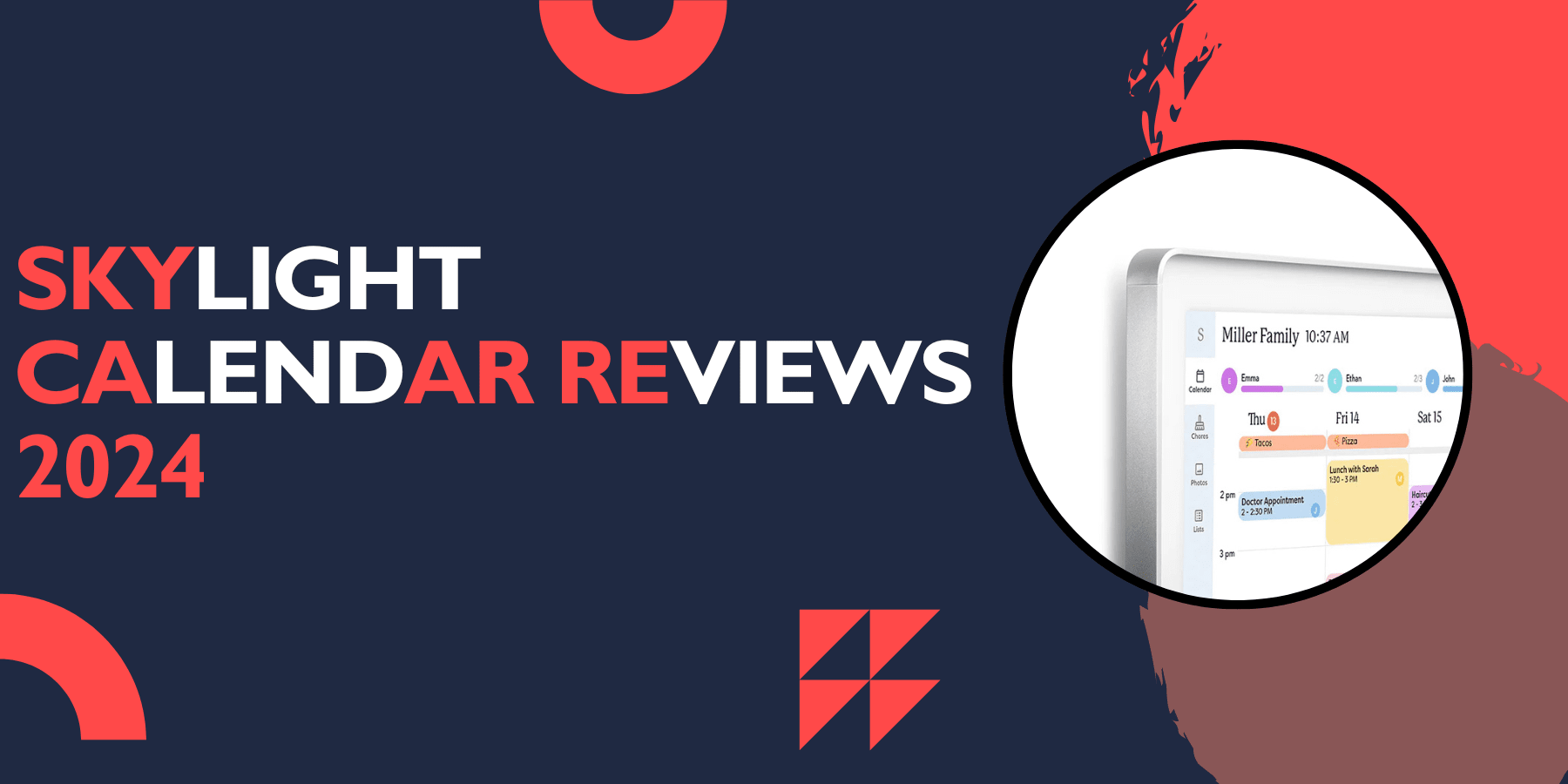
Recent skylight calendar reviews from 2024 highlight both improvements and ongoing concerns. Users praise the device for being "big and bright" and note that "adding or deleting events is a breeze." The setup process continues to receive positive feedback, with most families able to get it running within minutes.
However, 2024 reviews also mention some technical issues. Screen lag remains a problem for some users, and the lack of battery backup means the calendar stops working during power outages. Despite these issues, most families who purchased it in 2024 report improved family organization.
The Skylight Calendar Reviews: Real User Experiences
Analyzing skylight calendar reviews reveals two main categories of user experiences:
Positive Experiences
Many families love how the Skylight Calendar centralizes their scheduling chaos. Parents report feeling more organized and missing fewer appointments. Children enjoy the visual aspect and often take more responsibility for their schedules when they can see everything clearly displayed.
The large screen size gets consistent praise from users. Unlike checking schedules on phones, the Skylight Calendar provides a clear view that multiple family members can see simultaneously.
Common Complaints
The biggest complaint from users involves the subscription fee. While the calendar works without a subscription, premium features like photo displays and enhanced chore tracking require a monthly payment. Some families feel this ongoing cost makes the product too expensive.
Technical issues also frustrate some users. Reviews mention "slight screen lag and obvious fingerprint marks" as design problems that could be improved.
Skylight Calendar Review: Pros and Cons
Skylight calendar reviews consistently highlight these pros & cons:
Pros
Large, clear 15-inch display
Easy setup and installation
Syncs with multiple calendar platforms
Two-way sync capability
Kid-friendly interface
Chore chart integration
Remote control via mobile app
Cons
Requires monthly subscription for full features
No battery backup
Screen shows fingerprints easily
Occasional lag issues
Higher price point than traditional calendars
Skylight Calendar Reviews Consumer Reports
While Consumer Reports hasn't published an official review of the Skylight Calendar, independent testing by various tech websites shows mixed results. The device performs well for its intended purpose but faces criticism for its subscription model and technical limitations.
Most professional reviews acknowledge the product's usefulness for busy families while pointing out that the ongoing costs may not appeal to budget-conscious consumers.
Skylight Calendar Reviews Reddit
Reddit discussions about the Skylight Calendar reveal diverse opinions from real users. Some Reddit users love how it solved their family organization problems, while others feel it's overpriced for what it offers.
Common Reddit complaints include the subscription requirement and occasional connectivity issues. However, many users defend their purchase, stating that the family organization benefits outweigh the costs.
Some Reddit users also share creative ways they use the calendar beyond basic scheduling, such as displaying family photos during downtime or using it as a command center for household management.
Cozyla vs Skylight Calendar Reviews
When comparing the Cozyla and Skylight calendars, several differences emerge. Cozyla offers "advanced features and customization options" that some users prefer over the Skylight's simpler approach.
Key differences include:
Cozyla offers more customization options
Skylight has a larger user base and more reviews
Both require subscriptions for premium features
Cozyla claims better integration with smart home devices
Skylight has more established customer support
Price points are similar, but feature sets differ enough that families should consider their specific needs when choosing between them.
Skylight Calendar Reviews 2023
Reviews from 2023 showed initial enthusiasm for the product, with many early adopters praising its potential. However, 2023 users also identified areas for improvement that the company has since addressed in updates.
The most common 2023 feedback centered on software bugs and sync issues, many of which have been resolved through firmware updates. Users appreciated the company's responsiveness to feedback and regular software improvements.
Skylight Calendar Reviews Australia
Australian users generally report positive experiences with the Skylight Calendar, though some mention longer shipping times and higher costs due to international shipping. The device works well with Australian calendar systems and time zones.
Local retailers now carry the product, reducing shipping concerns for Australian customers. However, the subscription features remain priced in US dollars, which can affect the overall value proposition for Australian families.
Skylight Calendar Reviews 2025
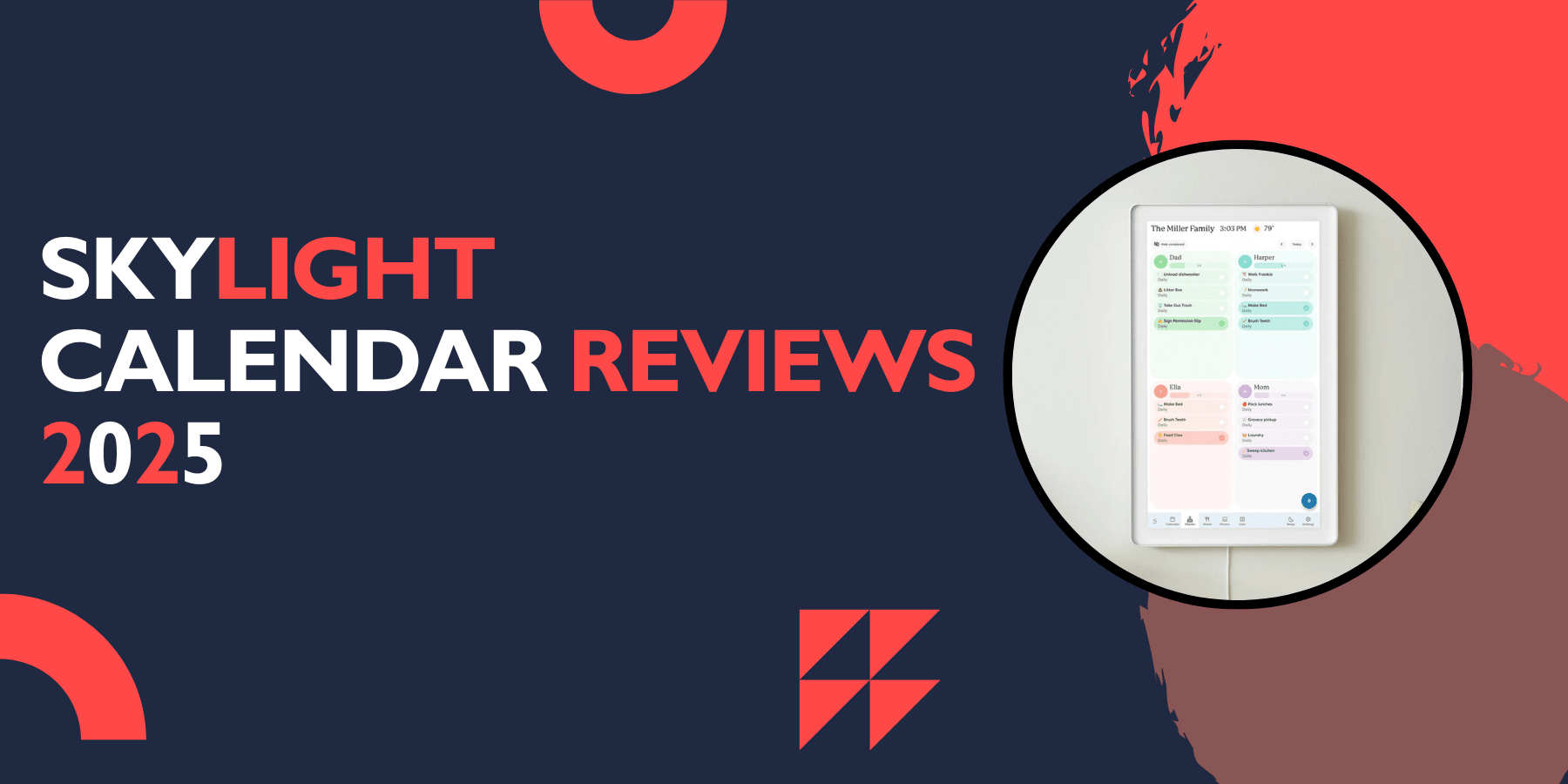
Early 2025 reviews show continued satisfaction among existing users, though the market has become more competitive. Recent reviews highlight how the calendar helps parents manage everything "from meals to schedules to keeping a half-decent home."
New features added in 2025 include improved sync speed and better customization options. However, the core complaints about subscription costs and fingerprint visibility remain unchanged.
FAQs
How much does the Skylight Calendar cost?
The Skylight Calendar typically retails for around $299-$399, depending on sales and retailer. Additional subscription fees apply for premium features, usually around $39 per year.
Does the Skylight Calendar work without WiFi?
The calendar requires WiFi for syncing and most functions. Without internet connection, it will display previously loaded events but cannot update or sync new information.
Can multiple family members use the Skylight Calendar?
Yes, the calendar supports multiple users and can display color-coded events for different family members. Each person can have their own calendar that syncs to the main display.
Is the Skylight Calendar easy to install?
Most users find installation straightforward. The calendar comes with mounting hardware and clear instructions. Setup typically takes 15-30 minutes.
What apps work with the Skylight Calendar?
The calendar syncs with Google Calendar, Apple Calendar, Outlook, Yahoo Calendar, Cozi, and Readdle calendars. It also works with any calendar that provides a public sharing link.
Does the Skylight Calendar show photos?
With a premium subscription, the calendar can display family photos when not showing schedule information. This feature requires the Photo Plus subscription.
Conclusion
The Skylight Calendar offers a practical solution for busy families struggling with schedule management. Its large display, easy setup, and comprehensive sync capabilities make it valuable for household organization. However, the ongoing subscription costs and technical limitations may not appeal to all families.
If you have a busy household with multiple schedules to manage and don't mind the monthly fee, the Skylight Calendar could significantly improve your family's organization. However, families on tight budgets or those wanting a one-time purchase might prefer traditional planning methods or free digital alternatives.
Before purchasing, and as most skylight calendar reviews suggest, consider your family's specific needs, budget for ongoing subscription costs, and evaluate whether the benefits justify the investment. While not perfect, the Skylight Calendar has helped many families achieve better organization and communication about their schedules.