

My friend texted me last month asking why his new smart bulbs would not connect to his Google Home.
I asked him what hub he was using. He said "what is a hub?" And I realized I had never actually explained this properly to anyone.
So here we go. Everything you need to know about smart home hubs, explained the way I would explain it sitting across from you.
What Even Is a Smart Home Hub
Think of a smart home hub as the brain of your setup.
It is a device that sits in the middle of all your smart gadgets and lets them talk to each other. Without it, each device only knows how to talk to its own app. With it, everything can work together.
Your smart bulb, your smart lock, your motion sensor, they all connect to the hub. The hub connects to your WiFi. You control everything from one place.
That is the basic idea. One brain, everything runs through it.
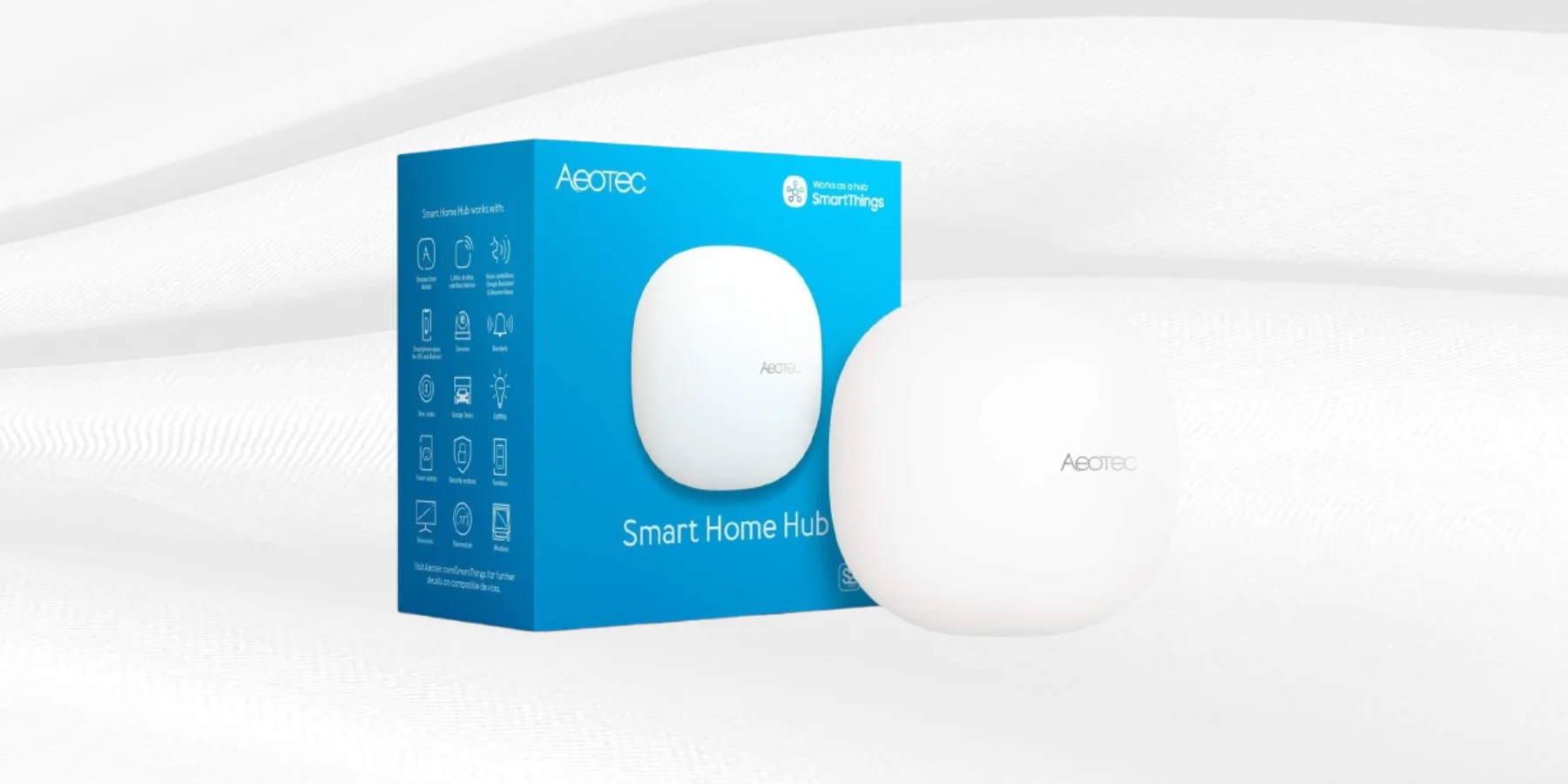 Why Hubs Existed in the First Place
A few years ago, most smart home devices did not have WiFi built in.
They used other wireless signals instead. Zigbee and Z-Wave were the two big ones. These signals are better than WiFi for smart home stuff in some ways. They use less power. They can reach farther. They build a mesh network where devices help relay signals to each other.
But Zigbee and Z-Wave devices cannot connect to your router directly. They need a hub that speaks their language and then translates everything into something your phone can understand.
That is where hubs came from. They were necessary because the devices themselves could not connect on their own.
What Changed in 2026
Here is the thing. A lot changed.
Most budget smart home devices now connect directly to WiFi. No hub needed. You plug them in, download an app, and they are online in five minutes.
Check out our picks for gadgets under $50 and you will see that almost every product on that list works this way. No hub. No bridge. Just WiFi.
This is why a lot of people building their first smart home in 2026 do not need a dedicated hub at all.
If you are buying mainstream products from TP-Link, Govee, Wyze, or Amazon, chances are you can skip the hub entirely.
So Do You Actually Need One
Depends on what you are trying to do.
Here is the honest breakdown.
You probably do not need a hub if you are just starting out and buying popular WiFi-based devices. Your phone app controls everything. Alexa or Google Home ties it all together through voice. That covers most people reading this.
You probably do need a hub if you want to use older Zigbee or Z-Wave devices. Things like certain Philips Hue setups, smart locks, leak sensors, door contact sensors. These devices are often more reliable than WiFi-based ones but they need that middle man.
You also might want a hub if you want your devices to keep working even when the internet goes down. Some hubs run locally, meaning commands process on your home network without touching the cloud. WiFi devices usually die the moment your internet does.
Browse through our compare tool to see how different smart home setups stack up if you are trying to figure out which way to go.
What About Matter
Matter is the new smart home standard everyone started talking about in 2022 and is still rolling out in 2026.
The idea behind Matter is that one product works with every platform. Apple HomeKit, Google Home, Amazon Alexa, Samsung SmartThings. Buy one device, use it with all of them. No more checking if something is compatible before buying.
Matter runs over WiFi and Thread. Thread is a low-power wireless signal similar to Zigbee but designed for the Matter era.
For Thread devices to work, you need a Thread border router. Which is basically a modern hub. The Apple HomePod mini, Google Nest Hub second gen, and Amazon Echo fourth gen and newer all act as Thread border routers.
So hubs are not going away. They are just getting built into speakers and displays instead of being separate boxes you buy.
The Easy Middle Ground Most People Use
Most people I know do not have a dedicated hub. They have an Alexa speaker or a Google Nest device.
These act as the center of their smart home. Not a full hub in the technical sense. But close enough for everyday use.
The Amazon Echo Dot is a good example of this. The 5th generation has a built in temperature sensor, improved audio, and works as a basic smart home hub for Zigbee devices through Amazon's Sidewalk and home automation features.
For most people starting out, one Echo Dot covers what a dedicated hub would do at a fraction of the cost and without the extra box sitting on a shelf.
You link your smart plugs, your lights, your camera to Alexa. You say "Alexa turn off the living room" and everything responds. That is your hub setup right there, and it costs $49.99.
When a Real Hub Is Worth It
There are situations where a proper dedicated hub makes sense.
If you are automating a whole house and want things like motion triggered lights, door sensors that trigger your camera, or leak sensors that cut your water, you want a real hub.
SmartThings, Home Assistant, and Hubitat are the three main options people use for serious setups.
Home Assistant runs locally on your own hardware. It is free but requires setup time. If you are into that kind of thing it is incredible. If you just want something easy, it is probably overkill.
SmartThings from Samsung is cloud-based and works with thousands of devices. It is a solid middle ground between beginner and advanced.
The short version is that if you are just starting out and buying mainstream products, skip the dedicated hub. If you are building a more serious setup or want local control, look into a real hub once you know what you need.
FAQs
What is a smart home hub in simple terms?
It is a device that connects all your smart home gadgets and lets them work together through one app or voice assistant.
Do I need a hub to use smart plugs or smart bulbs?
No. Most smart plugs and smart bulbs sold today connect directly to WiFi and work without a hub.
What is the difference between Zigbee and WiFi smart home devices?
Zigbee devices use a separate wireless signal and need a hub. WiFi devices connect directly to your router. Most beginner products are WiFi.
Is the Amazon Echo Dot a smart home hub?
It is not a full hub but it acts like one for most everyday setups. It supports Zigbee devices and ties everything into the Alexa ecosystem.
What is Matter and do I need it in 2026?
Matter is a new universal standard that lets smart home devices work across all platforms. You do not need it right now but it is the direction things are heading.
Final Thought
You do not need a hub to get started with smart home in 2026.
Start with WiFi devices, grab an Alexa or Google speaker to tie things together, and build from there. If you eventually want deeper automations or local control, that is when a real hub starts making sense.
Most people never get there. And that is totally fine.
The goal is a home that does what you want without fighting you every day. Not a setup that looks impressive on a diagram but takes three hours to fix every time something stops working.
Start simple. Add complexity only when you actually need it.