

What is AR Zone?
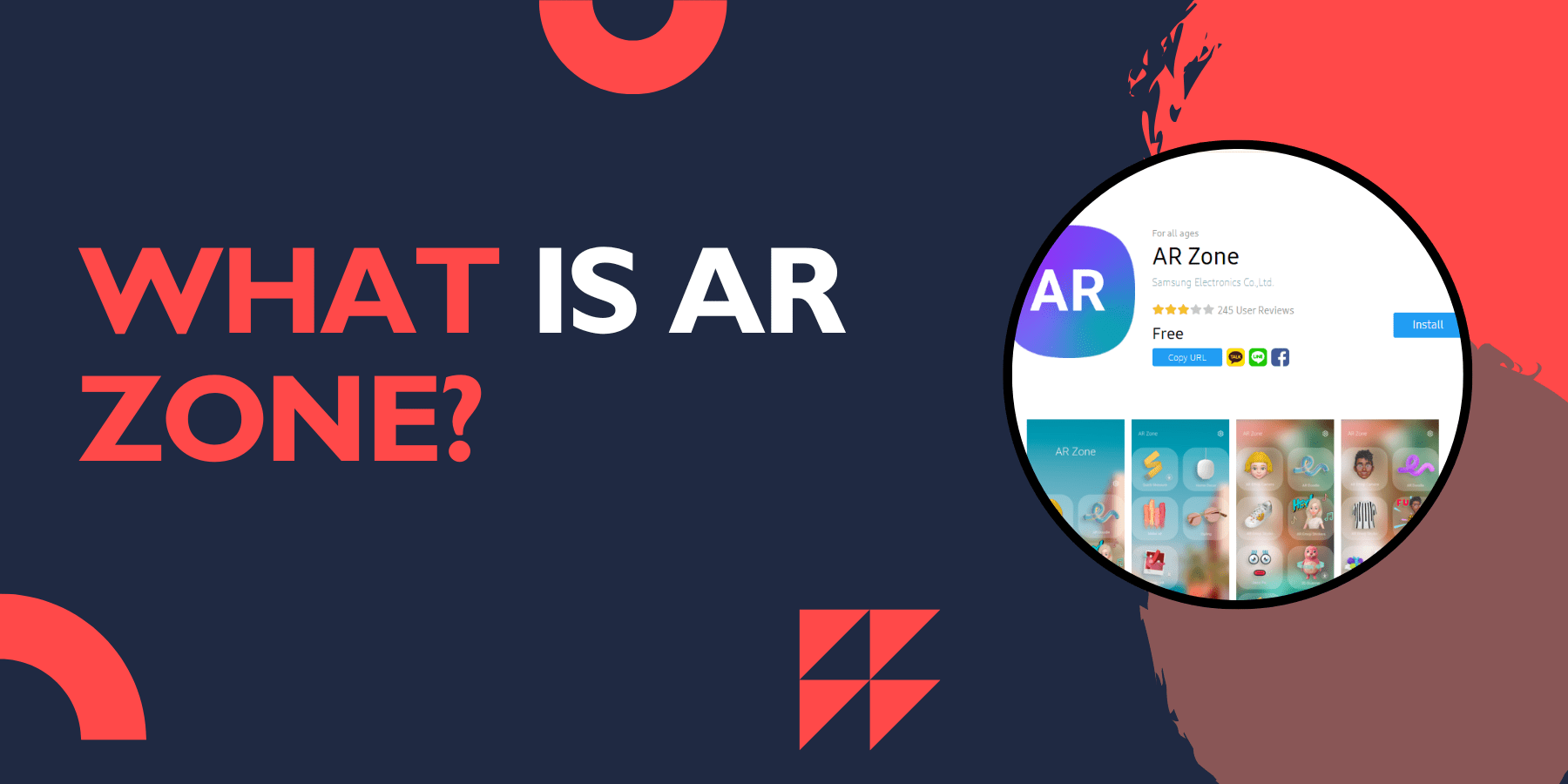
What is AR Zone? It is a Samsung's built-in augmented reality application that comes pre-installed on Galaxy smartphones and tablets. This app brings together various AR features in one place, allowing users to create fun content using augmented reality technology.
AR Zone was first released for Samsung Galaxy S20 and other devices updated to One UI 2.1, and it has since become a standard feature across most Samsung Galaxy devices. The app consolidates several augmented reality tools that were previously scattered across different Samsung applications.
The main purpose of AR Zone is to provide users with entertaining AR experiences. You can create personalized emojis, add virtual objects to your photos, measure real-world items, and much more. While some users might find it as more of a fun feature than a professional tool, it offers several useful functions for everyday use.
Do I Need It?
The AR Zone app is Samsung's proprietary augmented reality platform that comes pre-installed on Galaxy devices. Whether you need it depends on your interests and usage patterns.
You might find AR Zone useful if you enjoy creating creative content for social media, want to add fun elements to your photos and videos, or are curious about augmented reality technology. The app is particularly valuable for users who like to experiment with new features and share unique content with friends and family.
However, if you rarely use camera features beyond basic photography or don't engage with social media content creation, you might not find AR Zone essential. The app doesn't affect your device's core functionality, so you can choose to use it or ignore it based on your preferences.
What is AR Zone Doodle?
AR Doodle is one of the most popular features within AR Zone. This tool allows you to create 3D drawings and text that appear to float in real space when viewed through your camera. You can write messages, draw pictures, or create animations that seem to exist in your actual environment.
The feature works by tracking your camera's position and anchoring your drawings to specific points in space. This means your doodles will stay in place even as you move your device around, creating a convincing illusion that your digital creations are part of the real world.
AR Doodle is perfect for creating engaging videos, leaving virtual notes for others, or simply having fun with friends and family. The tool offers various brush sizes, colors, and effects to make your creations more interesting and visually appealing.
What is AR Zone Samsung?
AR Zone Samsung refers to the specific implementation of AR Zone on Samsung Galaxy devices. Samsung has customized this AR platform to work optimally with their hardware, taking advantage of the cameras, sensors, and processing power found in Galaxy smartphones and tablets.
Samsung's version of AR Zone includes features specifically designed for their devices, such as integration with Samsung's camera app, compatibility with Galaxy-specific hardware features, and optimization for Samsung's user interface. The app receives regular updates through Samsung's software update system, ensuring users get new features and improvements over time.
Samsung has positioned AR Zone as a way to showcase their devices' AR capabilities and provide users with practical and entertaining AR experiences without requiring third-party apps.
Is AR Zone App Safe?
Yes, AR Zone app is safe to use. As a Samsung-developed application, it follows standard security protocols and privacy guidelines. The app only accesses your camera and sensors when you're actively using AR features, and it doesn't collect or transmit personal data without your permission.
However, like any app that uses your camera, you should be mindful of privacy considerations. Be cautious about what you include in your AR creations, especially if you plan to share them publicly. The app itself doesn't pose security risks, but always use common sense when creating and sharing content.
Samsung regularly updates AR Zone to address any security concerns and improve functionality, so keeping your device updated ensures you have the latest security patches and features.
What is AR Zone on Android?
AR Zone on Android is Samsung's augmented reality application that runs on Android-powered Galaxy devices. While Android supports various AR platforms like Google's ARCore, Samsung chose to create their own AR experience specifically for their devices.
The app is built to work seamlessly with Samsung's Android implementation, taking advantage of Samsung's custom features and optimizations. This means AR Zone may not be available on non-Samsung Android devices, as it's specifically designed for Galaxy smartphones and tablets.
Samsung's approach allows them to provide a more integrated AR experience that works well with their hardware and software ecosystem, offering features that might not be available through generic Android AR platforms.
Key Features
Replace the current bullet-point style with a comprehensive features table:
Feature | Description | Primary Use |
AR Emoji Camera | Creates personalized 3D avatar from face scan | Personal avatars, video calls |
AR Emoji Sticker | Converts AR Emoji into messaging stickers | Text messaging, social media |
AR Emoji Studio | Customizes avatar appearance and outfits | Avatar personalization |
AR Doodle | Draw/write in 3D space through camera | Creative videos, virtual notes |
Deco Pic | Adds 3D stickers and frames to photos | Photo enhancement |
Quick Measure | Measures real-world objects using camera | Practical measurements |
How to Access AR Zone
Finding and using AR Zone on your Samsung device is simple:
Look for the AR Zone app in your app drawer
If you can't find it, swipe down from the top of your screen and search for "AR Zone"
You can also access some AR features through the camera app by looking for AR options
The app is available for download from the Galaxy Store if it's not pre-installed
Benefits of Using AR Zone
AR Zone offers several advantages for Samsung users:
Entertainment Value: The app provides hours of fun with its various AR features. You can create amusing videos, take unique photos, and experiment with different AR effects.
Social Media Content: AR Zone helps you create engaging content for social media platforms. The unique AR effects can make your posts stand out and attract more attention.
Practical Applications: Features like Quick Measure can be genuinely useful in everyday situations when you need to estimate sizes or distances.
Personal Expression: Creating and customizing AR Emojis allows you to express your personality in a unique way across different messaging platforms.
Device Compatibility
Device Series | Compatible Models | Minimum OS |
Galaxy S Series | S20 and newer | One UI 2.1+ |
Galaxy Note Series | Note 20 and newer | One UI 2.1+ |
Galaxy A Series | Selected models | One UI 2.1+ |
Galaxy Tab Series | Selected models | One UI 2.1+ |
Tips for Better AR Zone Experience
To get the most out of AR Zone:
Ensure good lighting when creating AR Emojis for better face recognition
Keep your phone steady when using AR Doodle for smoother drawings
Clean your camera lens regularly for clearer AR effects
Update the app through Galaxy Store to access new features and improvements
Pros and Cons Summary Table
Add a new comparison table:
Advantages | Disadvantages |
Pre-installed, no extra download | Limited to Samsung devices |
Multiple AR features in one app | Can drain battery quickly |
Good social media integration | Requires good lighting |
Regular Samsung updates | Takes up storage space |
Safe and secure | Some features need internet |
AR Zone App Uninstall
Method 1: Disable AR Zone
Open Settings on your Samsung device
Scroll down and tap Apps
Find and select AR Zone from the app list
Tap Disable
This will prevent AR Zone from running and free up storage space, though the app remains on your device.
Method 2: Uninstall Updates
Go to Settings
Tap Apps
Select AR Zone
Tap Uninstall Updates
This removes any updates and returns the app to its original factory version.
Method 3: Complete Removal (Rooted Devices Only)
Ensure your device is rooted
Use system app removal tools
Locate AR Zone in the system apps
Remove the app completely
Warning: This method is not recommended for most users as it may affect other Samsung features that depend on AR functionality.
FAQs
Can I remove AR Zone from my Samsung phone?
While AR Zone comes pre-installed on most Samsung devices, you can disable it if you don't use it. Go to Settings > Apps > AR Zone > Disable. However, you cannot completely uninstall it as it's a system app.
Is AR Zone available on non-Samsung devices?
No, AR Zone is exclusive to Samsung Galaxy devices. It's designed specifically for Samsung's One UI interface and hardware capabilities.
Does AR Zone use a lot of battery?
AR Zone can consume more battery than regular apps because it uses the camera, processor, and sensors intensively. Using AR features for extended periods may drain your battery faster.
Can I share AR Zone content with iPhone users?
Yes, you can share photos and videos created with AR Zone through any messaging app or social media platform. iPhone users will be able to view the content normally.
Is AR Zone safe to use?
Yes, AR Zone is a legitimate Samsung application that's safe to use. It only accesses your camera and photos when you give permission, and it doesn't collect unnecessary personal data.
Why is AR Emoji not working properly?
AR Emoji might not work well in poor lighting conditions or if your face isn't clearly visible. Try using it in better lighting and ensure your face is properly positioned in the camera frame.
Can I use AR Zone without an internet connection?
Most AR Zone features work offline since they process data locally on your device. However, some features might require an internet connection for updates or additional content.
How much storage does AR Zone use?
AR Zone itself is relatively small, but the content you create (photos, videos, and emoji customizations) can take up significant storage space over time.
Are there alternatives to AR Zone?
While AR Zone is unique to Samsung, other apps like Snapchat, Instagram, and TikTok offer similar AR features. However, they may not have the same level of integration with your device.
Can I backup my AR Zone content?
Yes, you can backup your AR Zone content through Samsung Cloud or by manually saving your creations to your device's gallery and then backing them up to your preferred cloud service.
AR Zone represents Samsung's commitment to bringing fun and practical augmented reality features to everyday users. Whether you're looking to create entertaining content or need quick measurements, this app offers a good starting point for exploring AR technology on your Samsung device.
Conclusion
AR Zone represents Samsung's commitment to making augmented reality accessible and enjoyable for everyday users. Whether you're interested in creating unique content, having fun with friends, or exploring new technology, AR Zone offers a user-friendly introduction to AR capabilities on your Samsung device.
The app's variety of features, from AR Doodle to AR Emoji, provides something for everyone, regardless of their technical expertise or creative interests. While not essential for basic smartphone functionality, AR Zone adds value for users who enjoy creative expression and social media content creation.