

What is Yoga Go App?
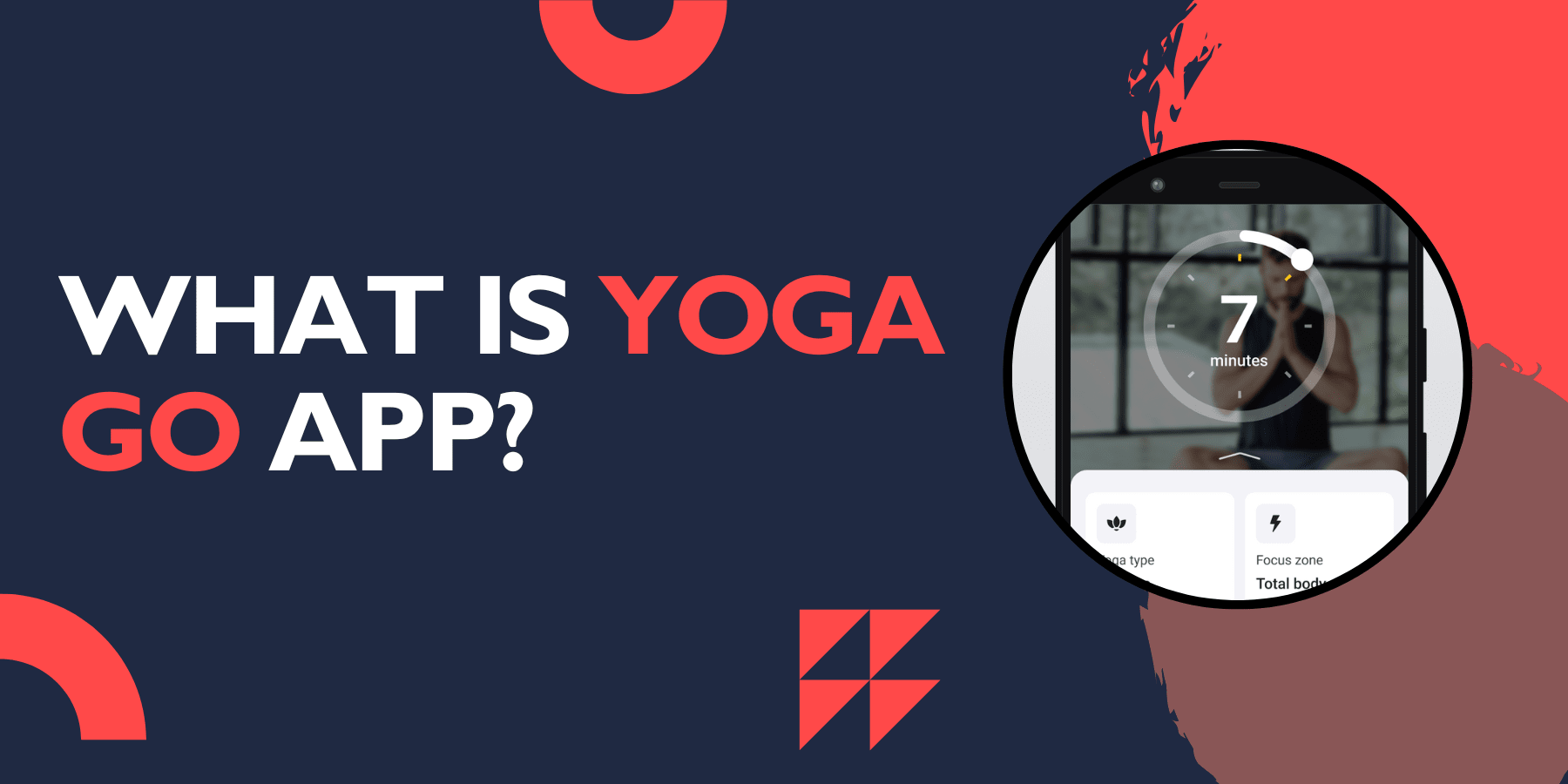
Yoga Go is a popular mobile fitness application that brings yoga practice directly to your smartphone or tablet. This app offers personalized yoga sessions for users of all skill levels, from complete beginners to advanced practitioners. The app creates custom workout plans based on your fitness goals, available time, and experience level.
The Yoga Go app stands out by providing guided yoga sessions that you can do anywhere, anytime. Whether you want to lose weight, improve flexibility, reduce stress, or build strength, the app tailors its content to meet your specific needs. With millions of downloads worldwide, Yoga Go app has become a go-to solution for people who want to practice yoga at home without expensive studio memberships.
Key Features of Yoga Go App
Personalized Workout Plans
One of the most impressive features of Yoga Go App is its ability to create personalized workout plans. The app assesses your fitness level, goals, and available time to create a customized yoga routine that fits your lifestyle. Whether you want to focus on weight loss, flexibility, or stress relief, the app adapts to your specific needs.
Progress Tracking System
The Yoga Go app contains a workout tracker that monitors your fitness progress over time. With the app's tracker, you can log each workout, track the number of calories burned, and see how many sessions you've completed. This feature helps users stay motivated by providing visual graphs and performance insights.
Multiple Yoga Styles
The yoga go app offers a wide range of yoga styles to keep your practice interesting and challenging. The app's extensive library includes over 600 unique workouts and 500 yoga poses, ranging from power yoga for burning calories to gentle flows for sore muscles. This variety ensures that users never get bored with their practice.
Beginner-Friendly Interface
Users appreciate the customization features, easy-to-understand instructions, and ambient background audio. The app is designed with beginners in mind, providing clear instructions and modifications for each pose. This makes it accessible to people who have never practiced yoga before.
Flexible Session Duration
Understanding that people have busy schedules, Yoga Go App offers sessions of various lengths. Many people struggle to find time for longer yoga sessions, and Yoga-Go has acknowledged this challenge. Users can choose from quick 5-minute sessions to longer 60-minute practices, depending on their available time.
Offline Access
Once you download the sessions, you can practice yoga even without an internet connection. This feature is particularly useful for people who travel frequently or have limited internet access.
Yoga Go App Review
Positive Aspects
Users praise Yoga Go app for its user-friendly interface and effective workout plans. Many appreciate the app's ability to adapt to different fitness levels and time constraints. The video quality is excellent, and the instructors provide clear guidance throughout each session.
The app's progress tracking feature receives positive feedback for helping users stay motivated. Many users report improved flexibility, strength, and overall well-being after consistent use.
Areas for Improvement
Some users find the subscription pricing slightly high compared to other fitness apps. The free version has limited content, which may disappoint users expecting more complimentary features.
A few users have reported occasional technical glitches, particularly with video loading on slower internet connections. However, these issues appear to be relatively rare and are often resolved with app updates.
Overall Rating
Based on user feedback across various platforms, Yoga Go typically receives ratings between 4.2 to 4.5 out of 5 stars. Users generally appreciate the app's effectiveness and convenience, despite some concerns about pricing.
Yoga Go App Download
Download Process
Getting started with Yoga Go is straightforward:
iOS Users: Visit the App Store and search for "Yoga Go"
Android Users: Go to Google Play Store and search for "Yoga Go"
Download Size: The app is approximately 50-80 MB
Installation: Follow standard installation procedures for your device
System Requirements
iOS 12.0 or later for iPhone/iPad
Android 5.0 or higher for Android devices
Stable internet connection for initial setup and content streaming
Getting Started
After downloading, you'll need to create an account and complete a brief questionnaire about your fitness goals and experience level. The app will then generate your personalized yoga plan.
Yoga Go Login
Creating Your Account
New users can sign up using:
Email address and password
Facebook account connection
Google account integration
Apple ID (for iOS users)
Login Process
Open the Yoga Go app
Tap "Login" on the main screen
Enter your credentials (email/password or social media login)
Access your personalized dashboard
Password Recovery
If you forget your password, use the "Forgot Password" link on the login screen. You'll receive a reset link via email to create a new password.
Account Security
The app uses secure encryption to protect your personal information and payment details. You can enable additional security features like biometric login on supported devices.
Yoga Go App Free
Free Version Features
The free version of Yoga Go includes:
Basic yoga poses and sequences
Limited workout plans
Basic progress tracking
Access to some meditation sessions
Free Trial Period
New users typically receive a 7-day free trial of the premium version. This trial includes full access to all features, allowing you to explore the app's complete capabilities before committing to a subscription.
Limitations of Free Version
Limited video content library
Fewer customization options
Basic workout plans only
No offline access to premium content
Advertisement interruptions
Yoga Go App Reviews Complaints
Subscription Pricing: Some users feel the monthly subscription cost is too high for a yoga app, especially when compared to free alternatives available on YouTube.
Limited Free Content: Many users express frustration with the limited features available in the free version, feeling that it's more of a trial than a functional free app.
Auto-Renewal Issues: Several users have reported difficulties canceling subscriptions, with some experiencing unexpected charges due to auto-renewal settings.
Technical Problems: Occasional reports of app crashes, video loading issues, and synchronization problems across devices.
Customer Service: Some users have experienced delays in customer service responses, particularly regarding billing issues and subscription management.
The Yoga Go development team regularly releases updates to fix technical issues and improve user experience. They have also enhanced their customer service response times and made subscription management more transparent.
Yoga Go App Pricing and Subscription Details
Pricing Plans
Plan Type | Price | Duration | Savings |
Monthly Subscription | $9.99 | 1 month | - |
Annual Subscription | $52.99 | 12 months | Significant savings compared to monthly |
Free Trial | Free | Limited period | For new users |
Free Version | Free | Ongoing | Limited features |
Subscription Benefits
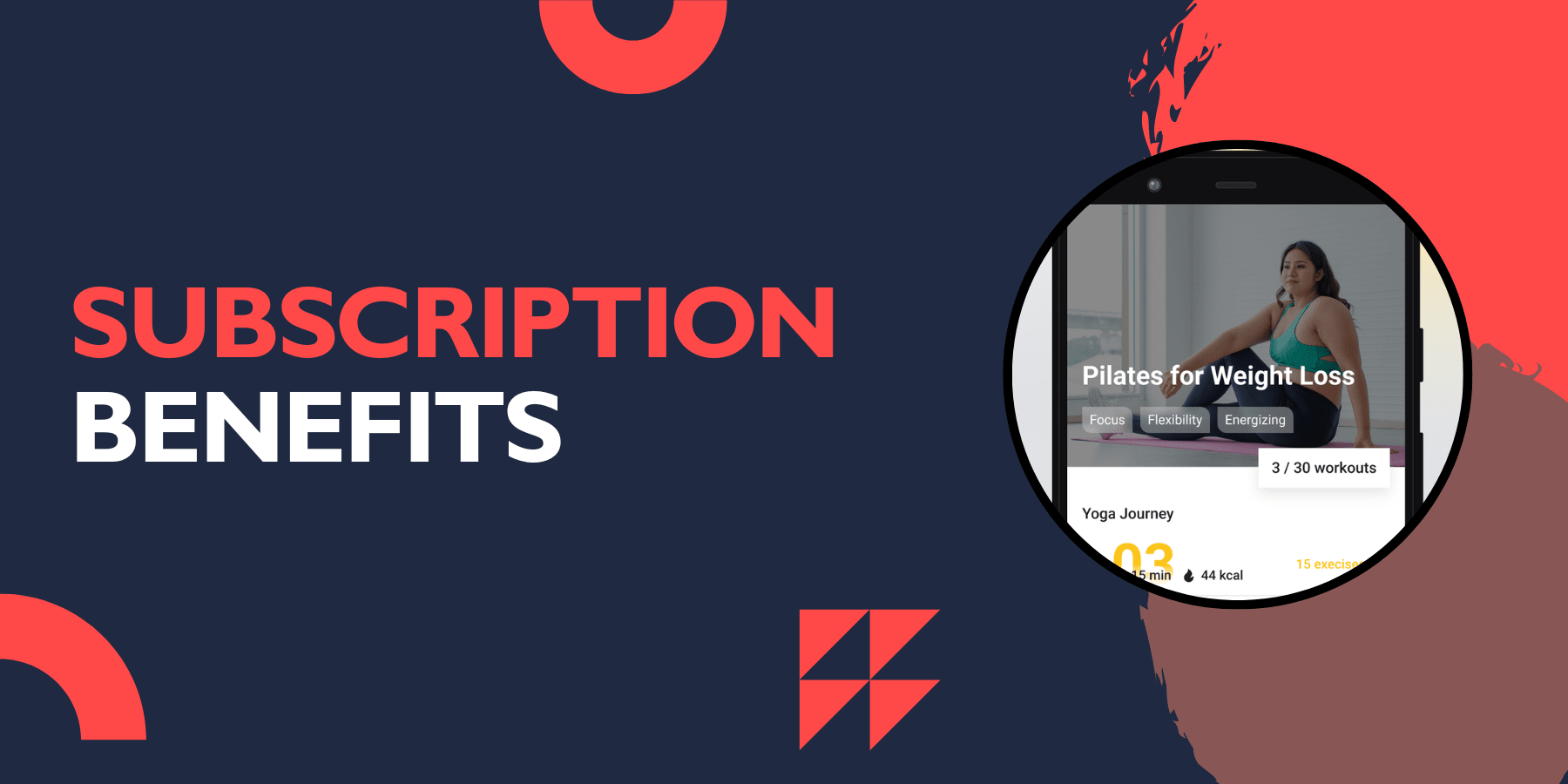
Premium subscribers get:
Complete access to all yoga programs
Unlimited workout customization
Offline video downloads
Advanced progress tracking
Ad-free experience
New content updates
Priority customer support
Cancellation Policy
You can cancel your subscription at any time through your device's app store settings. The cancellation takes effect at the end of your current billing period, and you'll retain access to premium features until then.
Yoga Go typically offers a satisfaction guarantee, allowing users to request refunds within a specific timeframe if they're not satisfied with the service.
Yoga Go IO
Website Access
Yoga Go IO refers to the web-based version of the app, accessible through your browser at yoga-go.io. This platform allows you to:
Manage your subscription
Access workout plans on larger screens
View progress statistics
Update account information
Web vs Mobile Experience
While the mobile app provides the best experience for following yoga sessions, the web version is useful for:
Planning your workout schedule
Browsing available programs
Managing account settings
Viewing detailed progress reports
Synchronization
Your progress and preferences sync between the mobile app and web platform, ensuring a consistent experience across all devices.
Yoga Go Exercises
Beginner Exercises
The app includes gentle yoga poses perfect for newcomers:
Mountain Pose (Tadasana)
Downward Dog (Adho Mukha Svanasana)
Child's Pose (Balasana)
Cat-Cow Stretch
Warrior I (Virabhadrasana I)
Intermediate Routines
For those with some yoga experience:
Sun Salutations (Surya Namaskara)
Warrior III (Virabhadrasana III)
Triangle Pose (Trikonasana)
Plank variations
Seated twists
Advanced Practices
Challenging poses for experienced practitioners:
Crow Pose (Bakasana)
Headstand (Sirsasana)
Wheel Pose (Urdhva Dhanurasana)
Advanced arm balances
Deep backbends
Specialized Programs
Morning Energy Flows
Evening Relaxation Sequences
Core Strengthening Routines
Flexibility and Stretching Sessions
Stress Relief Practices
Benefits of Using Yoga Go App
Convenience and Accessibility
The primary benefit of Yoga Go App is convenience. You can practice yoga anytime, anywhere, without the need to travel to a studio or follow a fixed schedule. This flexibility makes it easier to maintain a consistent yoga practice.
Cost-Effective
Compared to regular yoga studio classes, the app offers significant savings. A monthly subscription costs less than a single yoga class at most studios, making it an economical choice for regular practitioners.
Suitable for All Levels
Whether you're a complete beginner or an experienced yogi, the app has something for everyone. The personalized approach ensures that you're always challenged but not overwhelmed.
Progress Monitoring
The built-in tracking system helps you monitor your progress and stay motivated. Seeing your improvement over time can be incredibly motivating and helps you stick to your fitness goals.
Frequently Asked Questions
Q: Is Yoga Go suitable according to yoga-go reviews?
A: Yes, the app includes beginner-friendly programs with detailed instructions and modifications for basic poses.
Q: Can I use Yoga Go without an internet connection?
A: Premium subscribers can download videos for offline use, but the free version requires an internet connection.
Q: How long are the typical yoga sessions?
A: Sessions range from 5-minute quick practices to 45-minute comprehensive workouts, depending on your preferences and available time.
Q: Does the app work on tablets?
A: Yes, Yoga Go is compatible with both smartphones and tablets, offering optimized layouts for different screen sizes.
Q: Can I track my progress?
A: The app includes progress tracking features that monitor completed sessions, calories burned, and consistency streaks.
Q: Are there meditation features?
A: Yes, Yoga Go includes guided meditation sessions and breathing exercises alongside yoga practices.
Q: How often is new content added?
A: The app regularly updates with new yoga programs, poses, and meditation sessions for premium subscribers.
Q: Can I cancel my subscription anytime?
A: Yes, you can cancel your subscription through your device's app store settings, and the cancellation takes effect at the end of your billing period.
Conclusion
Yoga Go app offers a convenient way to practice yoga at home with personalized routines and professional instruction. While the subscription pricing might be a concern for some users, the app's comprehensive features and quality content make it a valuable tool for anyone serious about developing a consistent yoga practice.
The app excels in providing customized workout plans, high-quality video instruction, and progress tracking capabilities. Despite some user complaints about pricing and limited free content, the majority of users find value in the app's offerings.